 Aleksei Sviridkin
50c5e2c14c
The tenant Kubernetes suites fail the node-Ready budget with zero
Nodes registered, and the time is lost inside the guest between the
worker VMI reaching Running and Talos requesting its apid
certificate. Nothing collected today covers that window: the existing
in-guest capture drives talosctl, so it needs the very apid the
worker never reached, and on the management side there is neither a
Node nor a certificate request to read.

Turn on the guest console log for the suite's node group and collect
each virt-launcher's guest-console-log container from the management
cluster. Reads start at the beginning of the stream rather than
tailing it, so a guest that repaints its console cannot push the boot
output out of the window; every read is bounded, and the walk stops
at a cap that records both counts, so the collector cannot become the
unbounded term in a failure path that already runs several others
under one deadline.

A read that returns no console is not filed as a quiet guest. Three
outcomes get three labels, because only one of them says anything
about the guest: the read failed and returned nothing, the read
succeeded and returned nothing, or it broke off part way. Each read's
stderr is kept beside the capture rather than inside it, since
kubectl's own "container is not valid for pod" would otherwise fill
the file and a console that never started would read as one that had
spoken. That case is the headline one here, so the Pod state and
events that explain it are collected alongside, once for the whole
selector.

Enabling the console overrides a cluster-wide setting the platform
holds for an open upstream defect, so the run is also an experiment,
and its own failure mode is the one that hides best: the container
wedges virt-launcher in Init, no worker boots, and the suite reports
"fewer than 2 tenant nodes Ready" -- the same sentence the failure
under study produces. Read as the known signature, the experiment's
answer would be filed as the flake it was meant to explain. So the
failure path names that case first, before any other diagnostic, and
only when it is true.

The passing path checks separately that the container attached at
all, and reports the ratio it saw rather than a bare success, since
the check is deliberately satisfied by any one Pod. It keeps three
outcomes apart too: a read that did not answer, a selector that
matched no Pod, and Pods that matched and carry nothing. It reads the
Pod name alongside the container names so the last two cannot
collapse, and both container lists so a future move of the container
cannot fail a run over a diagnostic. It runs last, after everything
the suite exists to prove, because a debugging aid must not preempt
the assertions that cover the cluster.

The capture runs before the talosctl one because it is the only of
the two that can describe a worker which never reached apid, the
shape this failure keeps taking. kubectl reports a warning and an
empty result alike, on stderr with a zero status, so the exit status
decides which artifact its output lands in.

Assisted-By: Claude <noreply@anthropic.com>
Signed-off-by: Aleksei Sviridkin <f@lex.la>


Cozystack
Cozystack is a free platform and framework for building clouds.
Cozystack is a CNCF Sandbox Level Project that was originally built and sponsored by Ænix.
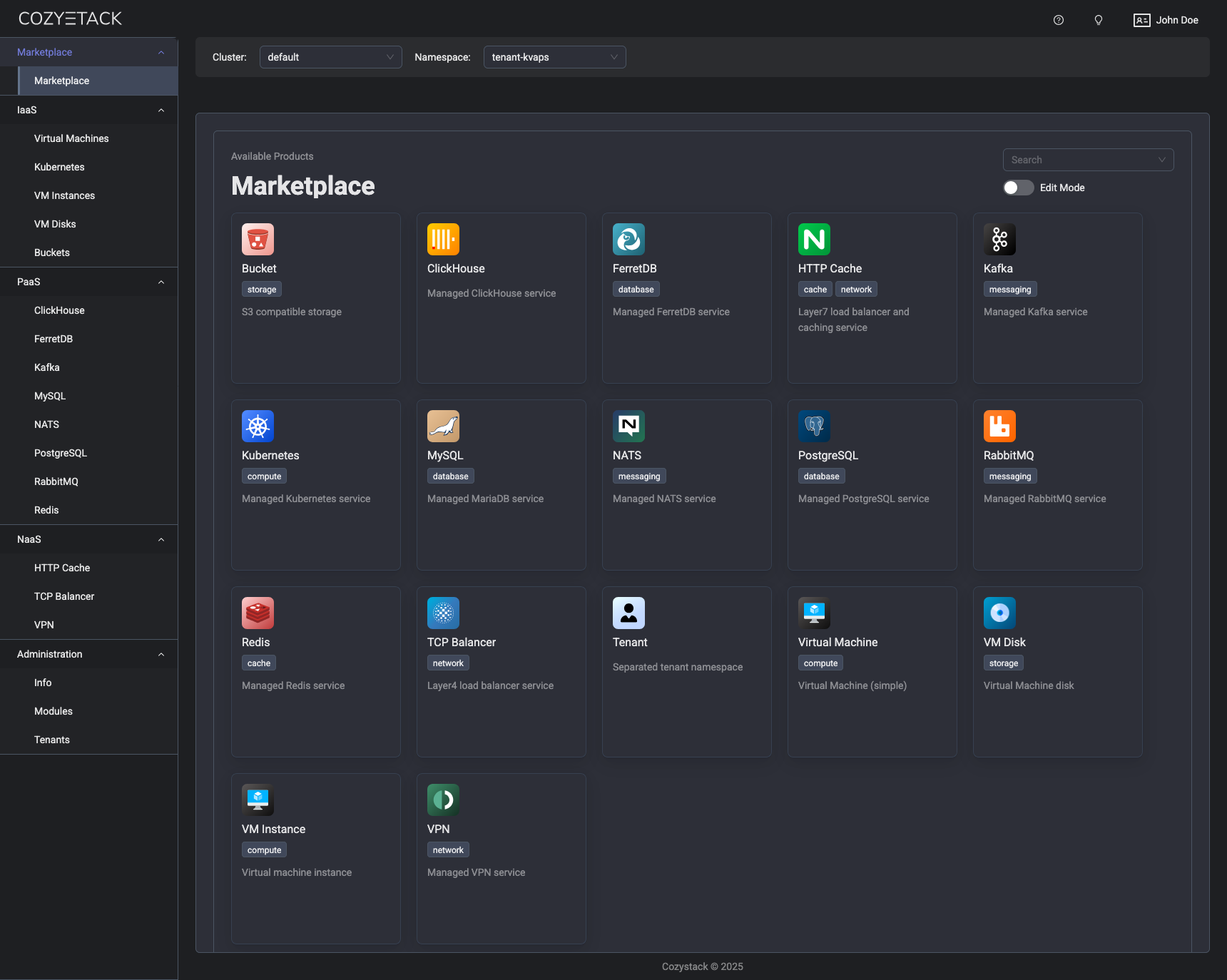
With Cozystack, you can transform a bunch of servers into an intelligent system with a simple REST API for spawning Kubernetes clusters, Database-as-a-Service, virtual machines, load balancers, HTTP caching services, and other services with ease.
Use Cozystack to build your own cloud or provide a cost-effective development environment.
Use-Cases
-
Using Cozystack to build a public cloud
You can use Cozystack as a backend for a public cloud -
Using Cozystack to build a private cloud
You can use Cozystack as a platform to build a private cloud powered by Infrastructure-as-Code approach -
Using Cozystack as a Kubernetes distribution
You can use Cozystack as a Kubernetes distribution for Bare Metal
Documentation
The documentation is located on the cozystack.io website.
Read the Getting Started section for a quick start.
If you encounter any difficulties, start with the troubleshooting guide and work your way through the process that we've outlined.
Versioning
Versioning adheres to the Semantic Versioning principles.
A full list of the available releases is available in the GitHub repository's Release section.
Contributions
Contributions are highly appreciated and very welcomed!
In case of bugs, please check if the issue has already been opened by checking the GitHub Issues section. If it isn't, you can open a new one. A detailed report will help us replicate it, assess it, and work on a fix.
You can express your intention to on the fix on your own. Commits are used to generate the changelog, and their author will be referenced in it.
If you have a concrete feature request, open an issue. For a cross-cutting or architectural change, open a design proposal in the community repo. For questions or early ideas, use GitHub Discussions. See CONTRIBUTING.md for the full routing.
Community
You are welcome to join our Telegram group and come to our weekly community meetings. Add them to your Google Calendar or iCal for convenience.
License
Cozystack is licensed under Apache 2.0.
The code is provided as-is with no warranties.
Commercial Support
A list of companies providing commercial support for this project can be found on official site.