 Aleksei Sviridkin
c5e175a88c
## What this PR does

Records which machine each e2e run landed on, in the job log and in
`cozyreport.tgz` under `sandbox-host/runner-identity.txt`: the OCI
shape, both region keys, the availability and fault domain, the numbers
of the `shapeConfig` sizing object, and the runner VM's own kernel
release, online CPU count and processor model.

An e2e lane asks for a runner class, not for a machine. A flex shape is
filled from whatever capacity the pool has at the time, so one lane can
be served by two processor generations, and the region is a preference
with a fallback. None of that reached the report, so a red run and a
green one could not be split by the hardware they ran on. That is the
first thing worth knowing about a flake that some runs have and others
do not, and today the answer is nowhere in the artifact.

`hack/e2e-runner-identity.sh` takes the read on the runner VM, before
the sandbox container is created, because the instance metadata service
answers on a link-local address the container has no guaranteed route
to. An "unreachable" answered from inside the container would look
exactly like a capture that had tried. The call sits in
`packages/core/testing/Makefile`'s `apply` target rather than in a
workflow step: every e2e lane reaches the sandbox through `make
prepare-env`, so one call covers all of them, on the passing path and
the failing one, with no per-workflow step to keep in step.
`hack/cozyreport.sh` folds the file into the report from inside the
container, without going near the endpoint itself.

What it holds to:

- **The root instance document is never requested.** The keys are
fetched one at a time. That document carries the instance and
compartment OCIDs, the image OCID, the display name, the hostname and
the user-supplied metadata bag, and the report is a public artifact, so
asking per key makes the privacy property something the wire settles
rather than something a filter has to be trusted for. It also matches
where the shape sizing is actually published: `shapeConfig` has its own
subpath and is not in the root document at all, so a reader hunting it
inside that document would have reported the size of every machine as
unknown and blamed the service for it. From the sizing object only the
numbers are kept, and only under keys shaped and sized like field names,
which holds for keys nobody has seen yet since a size is a number, an
identifier is a string, and a key is printed into the record exactly as
a value is; that object is refused whole unless it arrives as one
complete JSON object, so a truncated answer cannot be read in part and
published as a sizing record; and a per-key answer that is not one
scalar is named as such rather than printed, because a service answering
a whole document to a key request is the one way this design could still
publish what it never asked for.
- **Never fatal, and never slow.** This runs inside `Prepare
environment`, the one retried step in the job, so a diagnostic that
failed it would cost a whole run. Every read is taken through a
wall-clock ceiling and every failure is written into the record instead:
a runner that is not an OCI instance leaves an `imds unreachable` line
and an exit status of 0, and a wedged `lscpu` is cut off and named
rather than holding the step. Where `timeout` is not on PATH the local
reads run unbounded rather than not at all, and the record says so,
which is the same trade `hack/cozyreport.sh` makes for its own. Exiting
zero is not enough on its own, since a read that never returns never
reaches that exit. The first key doubles as the probe and is held to
answering the way this service does, so a machine that is not an OCI
instance pays one ceiling rather than one per key whether the address is
silent or something else is answering on it, and either way the run
leaves an `imds unreachable` line to grep for.
- **One filename either way.** When there is no record, the report
writes that same file holding the reason there is none, because an
unidentified runner and an unremarkable one otherwise leave the same
absence. The record also goes to the job log, and that copy is what
covers the one path where the artifact cannot: a run whose sandbox never
came up produces no `cozyreport.tgz` at all, so the log is where the
record lives.

Tests are in `hack/runner-identity.bats`, 52 cases, green under both
runner forms. They cover the sizing-object number reader (a renamed key,
non-numeric fields counted rather than printed, a nested value, an
escaped quote inside a string value, input that is not JSON), the scalar
guard (including a whole document answered to a key request), the
ceiling knob including the zero that would remove the bound outright,
and the running script: which paths are requested and that the root
document is not among them, the probe short-circuit, a single key
failing without the service being called unreachable, a partial transfer
of the sizing object, the bounded local reads and the cut-off arm, a
write that would never return, the record reaching both sinks, and both
arms of the report side. Verified against mawk and dash as well as the
local defaults, since the runner image is neither gawk nor bash.

Context: #3513

### Screenshots

No UI changes.

### Downstream repositories

Walked the trigger map in `docs/agents/contributing.md` against the
diff, file by file. The `hack/` triggers it names are
`hack/e2e-prepare-cluster.bats` (ansible-cozystack, talm),
`hack/package.mk` and `hack/update-crd.sh` (ccp, external-apps-example)
and `hack/upload-assets.sh` (website); none of those is touched. The new
script and its suite are new files with no counterpart anywhere,
`hack/cozyreport.sh` is not restated downstream, and the
`packages/core/testing/Makefile` edit adds a diagnostic to the e2e
sandbox bring-up without changing what `make prepare-env` does for a
caller. The docs change is a bullet in `docs/agents/`, which no
downstream repository mirrors.

- [x] No downstream repository is affected by this change
- [ ] [cozystack/website](https://github.com/cozystack/website) -
follow-up:
- [ ]
[cozystack/terraform-provider-cozystack](https://github.com/cozystack/terraform-provider-cozystack)
- follow-up:
- [ ]
[cozystack/ansible-cozystack](https://github.com/cozystack/ansible-cozystack)
- follow-up:
- [ ] [cozystack/ccp](https://github.com/cozystack/ccp) - follow-up:
- [ ] [cozystack/talm](https://github.com/cozystack/talm) - follow-up:
- [ ] [cozystack/cozyhr](https://github.com/cozystack/cozyhr) -
follow-up:
- [ ] [cozystack/cozy-proxy](https://github.com/cozystack/cozy-proxy) -
follow-up:
- [ ]
[cozystack/cozystack-telemetry-server](https://github.com/cozystack/cozystack-telemetry-server)
- follow-up:
- [ ]
[cozystack/external-apps-example](https://github.com/cozystack/external-apps-example)
- follow-up:
- [ ] [cozystack/examples](https://github.com/cozystack/examples) -
follow-up:

### Release note

```release-note
test(e2e): every e2e run now records the runner VM it landed on (OCI shape, both region keys, availability and fault domain, shape sizing numbers, kernel release, CPU count and processor model) in the job log and in cozyreport.tgz, so red and green runs can be compared by hardware
```


Cozystack
Cozystack is a free platform and framework for building clouds.
Cozystack is a CNCF Sandbox Level Project that was originally built and sponsored by Ænix.
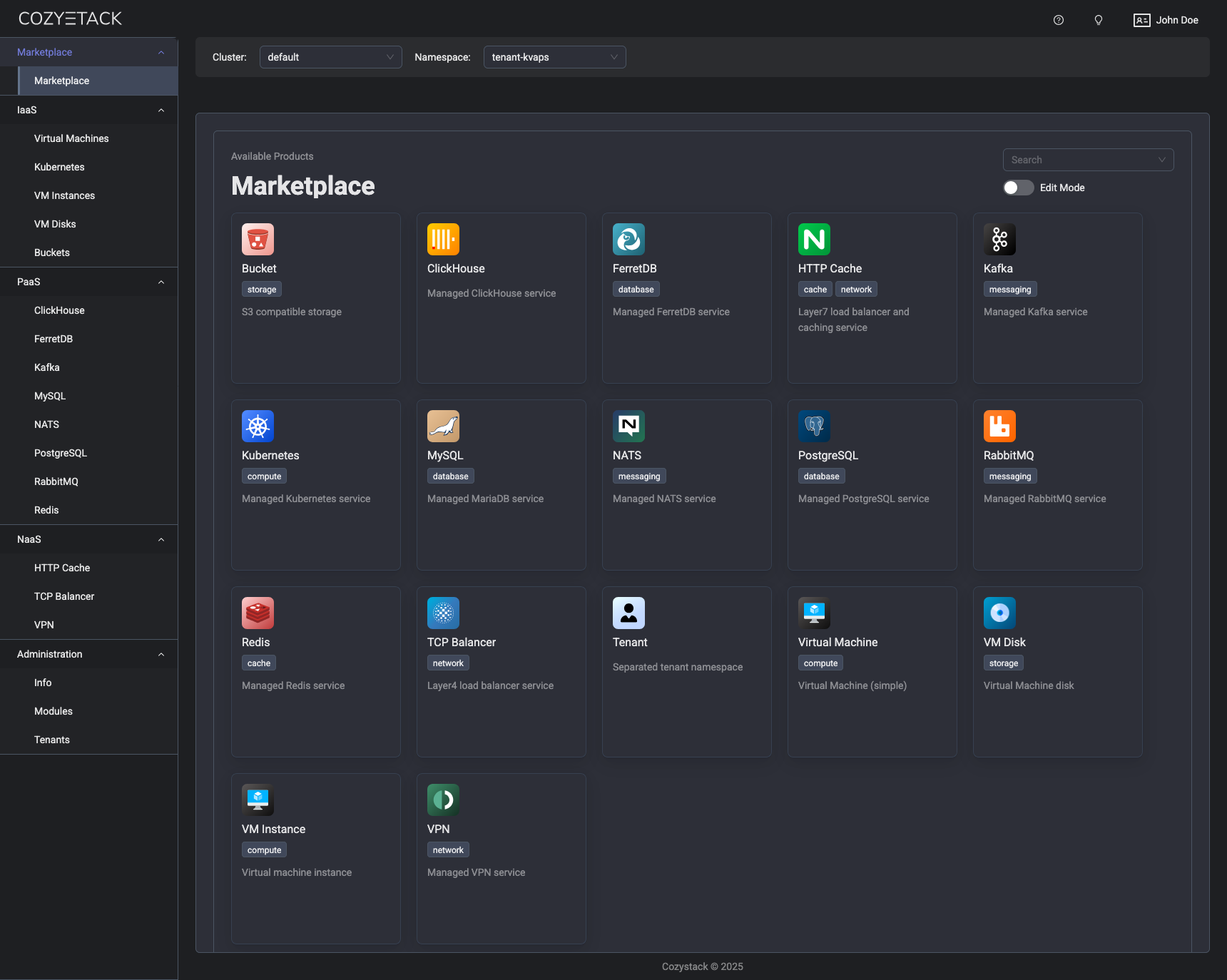
With Cozystack, you can transform a bunch of servers into an intelligent system with a simple REST API for spawning Kubernetes clusters, Database-as-a-Service, virtual machines, load balancers, HTTP caching services, and other services with ease.
Use Cozystack to build your own cloud or provide a cost-effective development environment.
Use-Cases
-
Using Cozystack to build a public cloud
You can use Cozystack as a backend for a public cloud -
Using Cozystack to build a private cloud
You can use Cozystack as a platform to build a private cloud powered by Infrastructure-as-Code approach -
Using Cozystack as a Kubernetes distribution
You can use Cozystack as a Kubernetes distribution for Bare Metal
Documentation
The documentation is located on the cozystack.io website.
Read the Getting Started section for a quick start.
If you encounter any difficulties, start with the troubleshooting guide and work your way through the process that we've outlined.
Versioning
Versioning adheres to the Semantic Versioning principles.
A full list of the available releases is available in the GitHub repository's Release section.
Contributions
Contributions are highly appreciated and very welcomed!
In case of bugs, please check if the issue has already been opened by checking the GitHub Issues section. If it isn't, you can open a new one. A detailed report will help us replicate it, assess it, and work on a fix.
You can express your intention to on the fix on your own. Commits are used to generate the changelog, and their author will be referenced in it.
If you have a concrete feature request, open an issue. For a cross-cutting or architectural change, open a design proposal in the community repo. For questions or early ideas, use GitHub Discussions. See CONTRIBUTING.md for the full routing.
Community
You are welcome to join our Telegram group and come to our weekly community meetings. Add them to your Google Calendar or iCal for convenience.
License
Cozystack is licensed under Apache 2.0.
The code is provided as-is with no warranties.
Commercial Support
A list of companies providing commercial support for this project can be found on official site.