 Myasnikov Daniil
0418577f55
podResourceRequirements applies to every worker pod CDI creates --
importer, uploader and host-assisted cloner alike, not only the importer
the parameter is named for -- so a value set here reaches the console's
disk-upload path as well as the imports. It has to be set on the CDI CR
and not on CDIConfig: the operator reconciles CDIConfig.spec from this
resource, so a direct patch is silently reverted and
status.defaultPodResourceRequirements stays where it was.

The default restates CDI's own built-in values exactly -- limits
750m/600M, requests 100m/60M, read off a live cluster -- so an install
that sets nothing behaves as it did before the parameter existed. That
is deliberate. A 4Gi ceiling was measured as necessary on one hand-built
stand, where the decompress+convert of a tenant worker disk was
OOM-killed at 99.8-100% and CDI then retried from scratch forever, but
the same 20Gi import completes at stock 600M on a QEMU-node cluster and
no CI run on either lane has recorded an OOMKilled importer. What has
been shown to need the headroom is that substrate, so the override lives
with the substrate in hack/e2e-platform-packages.sh rather than here.

The failure being answered is memory, and only memory. CDI already ships
a CPU limit of its own at 750m, nothing measured has asked for more, and
the default here restates that figure rather than raising it.

The package had no `test` target, and hack/helm-unit-tests.sh only runs
a package whose `make -n test` resolves, so a tests/ directory here was
collected by nothing and skipped in silence. Added with the suite.

Signed-off-by: Myasnikov Daniil <myasnikovdaniil2001@gmail.com>
Assisted-By: LLM


Cozystack
Cozystack is a free platform and framework for building clouds.
Cozystack is a CNCF Sandbox Level Project that was originally built and sponsored by Ænix.
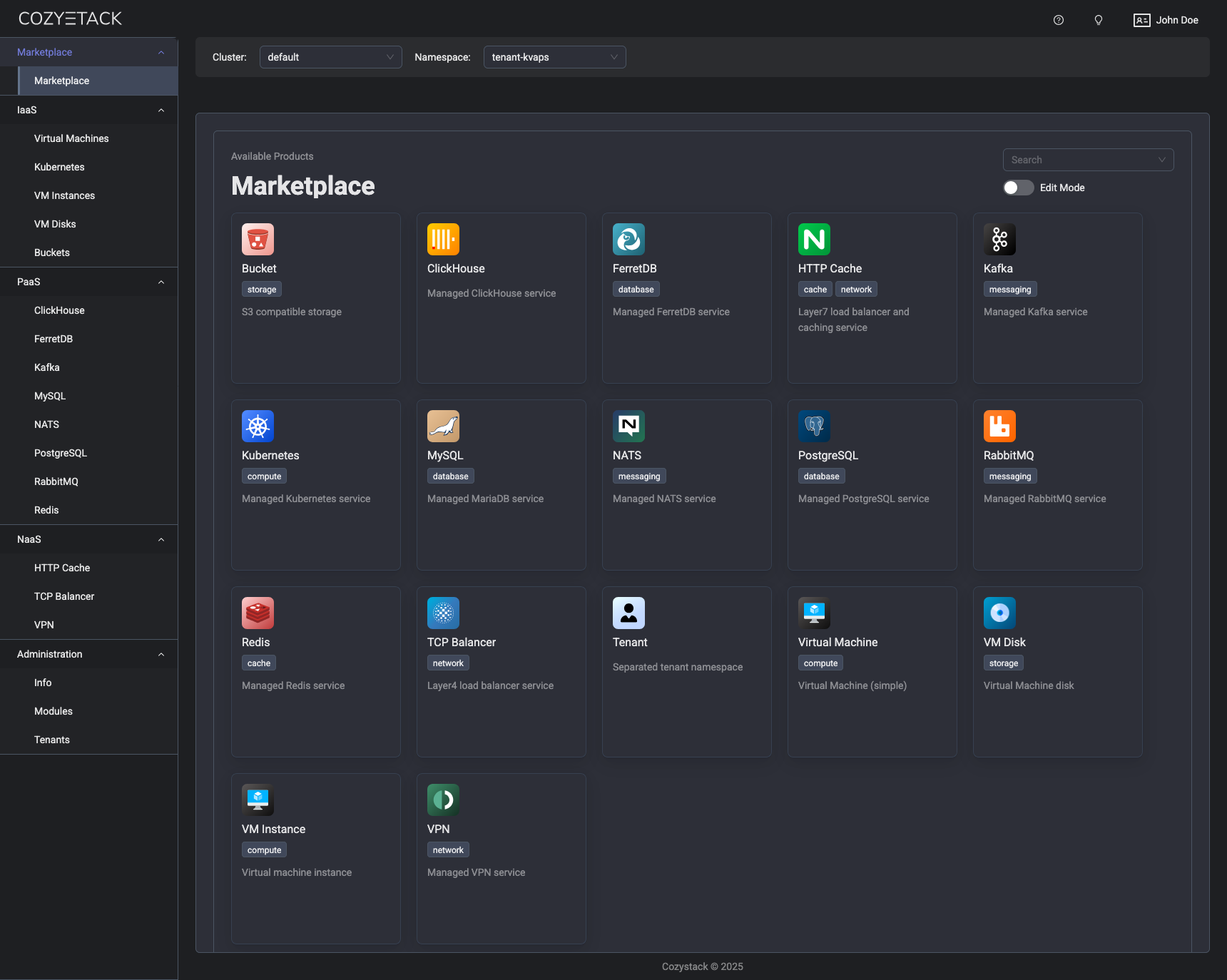
With Cozystack, you can transform a bunch of servers into an intelligent system with a simple REST API for spawning Kubernetes clusters, Database-as-a-Service, virtual machines, load balancers, HTTP caching services, and other services with ease.
Use Cozystack to build your own cloud or provide a cost-effective development environment.
Use-Cases
-
Using Cozystack to build a public cloud
You can use Cozystack as a backend for a public cloud -
Using Cozystack to build a private cloud
You can use Cozystack as a platform to build a private cloud powered by Infrastructure-as-Code approach -
Using Cozystack as a Kubernetes distribution
You can use Cozystack as a Kubernetes distribution for Bare Metal
Documentation
The documentation is located on the cozystack.io website.
Read the Getting Started section for a quick start.
If you encounter any difficulties, start with the troubleshooting guide and work your way through the process that we've outlined.
Versioning
Versioning adheres to the Semantic Versioning principles.
A full list of the available releases is available in the GitHub repository's Release section.
Contributions
Contributions are highly appreciated and very welcomed!
In case of bugs, please check if the issue has already been opened by checking the GitHub Issues section. If it isn't, you can open a new one. A detailed report will help us replicate it, assess it, and work on a fix.
You can express your intention to on the fix on your own. Commits are used to generate the changelog, and their author will be referenced in it.
If you have a concrete feature request, open an issue. For a cross-cutting or architectural change, open a design proposal in the community repo. For questions or early ideas, use GitHub Discussions. See CONTRIBUTING.md for the full routing.
Community
You are welcome to join our Telegram group and come to our weekly community meetings. Add them to your Google Calendar or iCal for convenience.
License
Cozystack is licensed under Apache 2.0.
The code is provided as-is with no warranties.
Commercial Support
A list of companies providing commercial support for this project can be found on official site.