 Aleksei Sviridkin
3cf2583acf
The teardown runs under always() and took its kubeconfig from
GITHUB_ENV, which only Stage credentials writes. When a step before it
fails, KUBECONFIG is unset and the three `kubectl delete` calls go to
whatever cluster the self-hosted runner's own kubeconfig selects.

Pass the staged file explicitly to every teardown call. Stage now fails
unless the file's current context resolves to a server, instead of
letting client-go fall back to its defaults, which include in-cluster
credentials. The suite step gets the same path in its own env, so no
step depends on GITHUB_ENV for the cluster.

Tear down skips with a notice only when Stage did not succeed, read
from the step's outcome: the suite cannot run without it, so the run
created no tenant. When Stage succeeded but the file no longer
resolves, the step fails rather than reporting a skip with the tenant
and its VMs still live. Both guards print kubectl's own error, so a
malformed secret or a missing kubectl does not read as a wrong context.

The deletes also no longer stop at the first failure: under set -e a
failed first delete skipped the tenant delete, leaving behind the VMs
the step exists to remove. Each one runs, and the step fails at the end
if any of them did.

Assisted-by: LLM
Signed-off-by: Aleksei Sviridkin <f@lex.la>




Cozystack
Cozystack is a free and open-source platform and framework for building clouds.
Cozystack is a CNCF Sandbox project that was originally built and sponsored by Ænix.
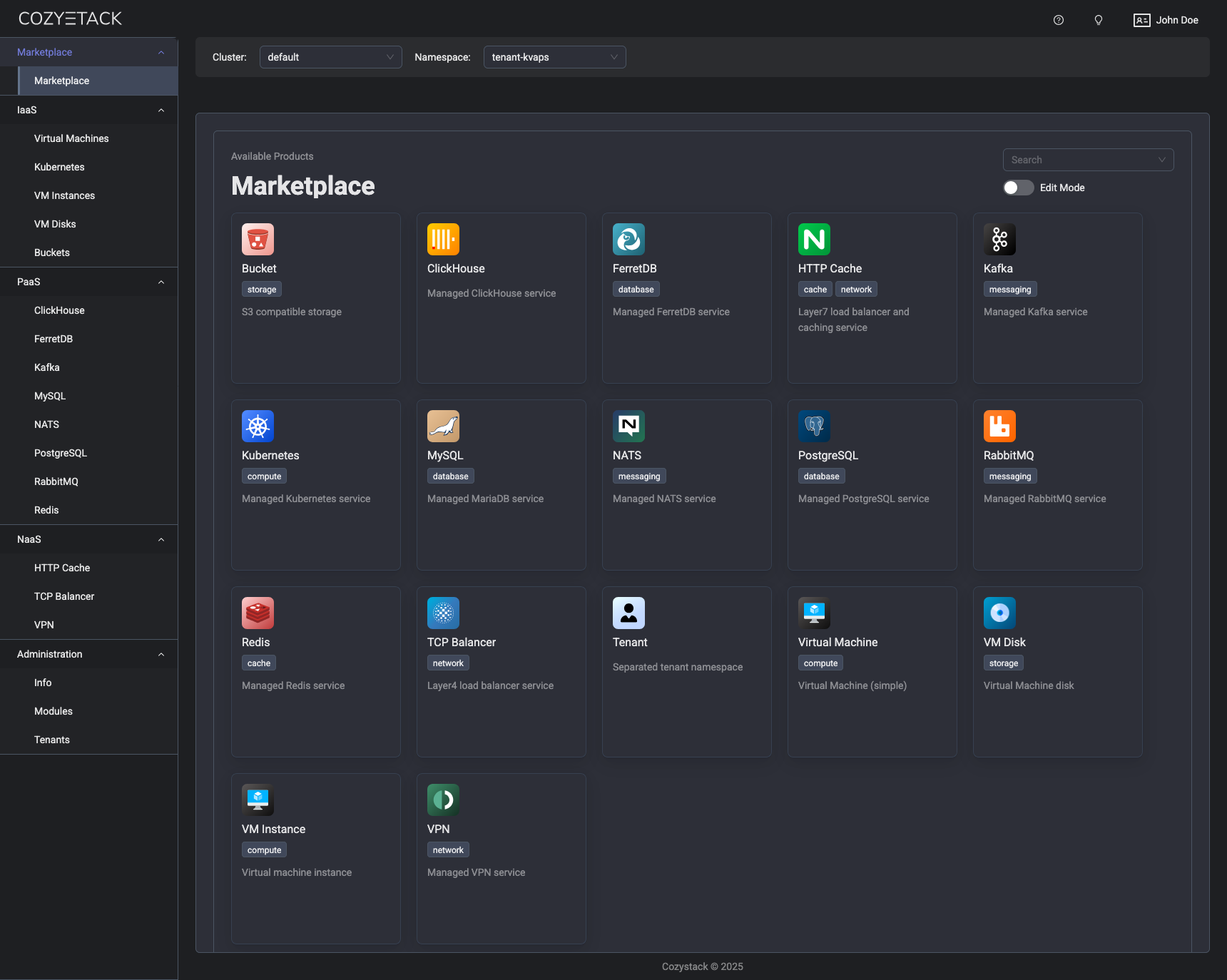
With Cozystack, you can transform a bunch of servers into an intelligent system with a simple REST API for spawning Kubernetes clusters, Database-as-a-Service, virtual machines, load balancers, HTTP caching services, and other services with ease.
Use Cozystack to build your own cloud or provide a cost-effective development environment.
Use-Cases
-
Using Cozystack to build a public cloud
You can use Cozystack as a backend for a public cloud -
Using Cozystack to build a private cloud
You can use Cozystack as a platform to build a private cloud powered by Infrastructure-as-Code approach -
Using Cozystack as a Kubernetes distribution
You can use Cozystack as a Kubernetes distribution for Bare Metal
Documentation
The documentation is located on the cozystack.io website.
Read the Getting Started section for a quick start.
If you encounter any difficulties, start with the troubleshooting guide and work your way through the process that we've outlined.
Versioning
Versioning adheres to the Semantic Versioning principles.
A full list of the available releases is available in the GitHub repository's Release section.
Contributions
Contributions are highly appreciated and very welcomed!
In case of bugs, please check if the issue has already been opened by checking the GitHub Issues section. If it isn't, you can open a new one. A detailed report will help us replicate it, assess it, and work on a fix.
You are welcome to take on the fix yourself. Commits are used to generate the changelog, and their author will be referenced in it.
If you have a concrete feature request, open an issue. For a cross-cutting or architectural change, open a design proposal in the community repo. For questions or early ideas, use GitHub Discussions. See CONTRIBUTING.md for the full routing.
Community
You are welcome to join us in #cozystack, on either CNCF Slack (get an invite) or Kubernetes Slack (get an invite), in our Telegram group, and at our community meetings. Add them to your Google Calendar or iCal for convenience.
Project documents
| Document | What it covers |
|---|---|
| Governance | How decisions are made and who makes them |
| Contributor Ladder | How to grow from contributor to maintainer |
| Maintainers | Who maintains the project |
| Code of Conduct | What we expect of each other |
| Security Policy | Reporting a vulnerability, and which releases get fixes |
| Adopters | Who runs Cozystack in production |
| Roadmap | Where the project is going |
License
Cozystack is licensed under Apache 2.0.
The code is provided as-is with no warranties.
Commercial Support
A list of companies providing commercial support for this project can be found on official site.