 Kirill Ilin
517e33f67b
SSL_CERT_FILE alone does not narrow trust. crypto/x509 replaces only its file
list and then scans SSL_CERT_DIR unconditionally, and the pinned proxy image
ships /etc/ssl/certs/ca-certificates.crt, so the connection guarding the KEK
trusted the private CA plus every public root — a mis-issued certificate for the
Vault hostname was still accepted. Set SSL_CERT_DIR to the mount as well, which
collapses the pool to the CA the operator configured.

An unvalidated caBundle failed open on top of that: a non-PEM value is dropped
silently by AppendCertsFromPEM, leaving the proxy on the image's roots with no
error at all. Reject it at render time, the way backend and auth already are.

Rotating an inline caBundle had no effect either. The pod template did not
change, so no new pods, and crypto/x509 memoizes the pool per process — the
upgrade reported success while the old CA stayed in use until some later
restart. Derive a checksum/vault-ca annotation from the bundle so the rollout
happens with the change.

Also add vault.caSecretKey: the projected key was hardcoded to ca.crt, and a
bundle stored under another name (a cert-manager Certificate from an ACME issuer
emits no ca.crt at all) wedged the pod at mount time with no way to correct it
from values.

Drop the claim that the database leg verifies against its own CA pool: the chart
never sets KKP_BACKEND_CA_FILE, so that leg is plaintext today, as the note 30
lines above already says. The conclusion holds — it never consults the system
trust store — but for the other reason.

Assisted-By: Claude <noreply@anthropic.com>
Signed-off-by: Kirill Ilin <stitch14@yandex.ru>


Cozystack
Cozystack is a free platform and framework for building clouds.
Cozystack is a CNCF Sandbox Level Project that was originally built and sponsored by Ænix.
With Cozystack, you can transform a bunch of servers into an intelligent system with a simple REST API for spawning Kubernetes clusters, Database-as-a-Service, virtual machines, load balancers, HTTP caching services, and other services with ease.
Use Cozystack to build your own cloud or provide a cost-effective development environment.
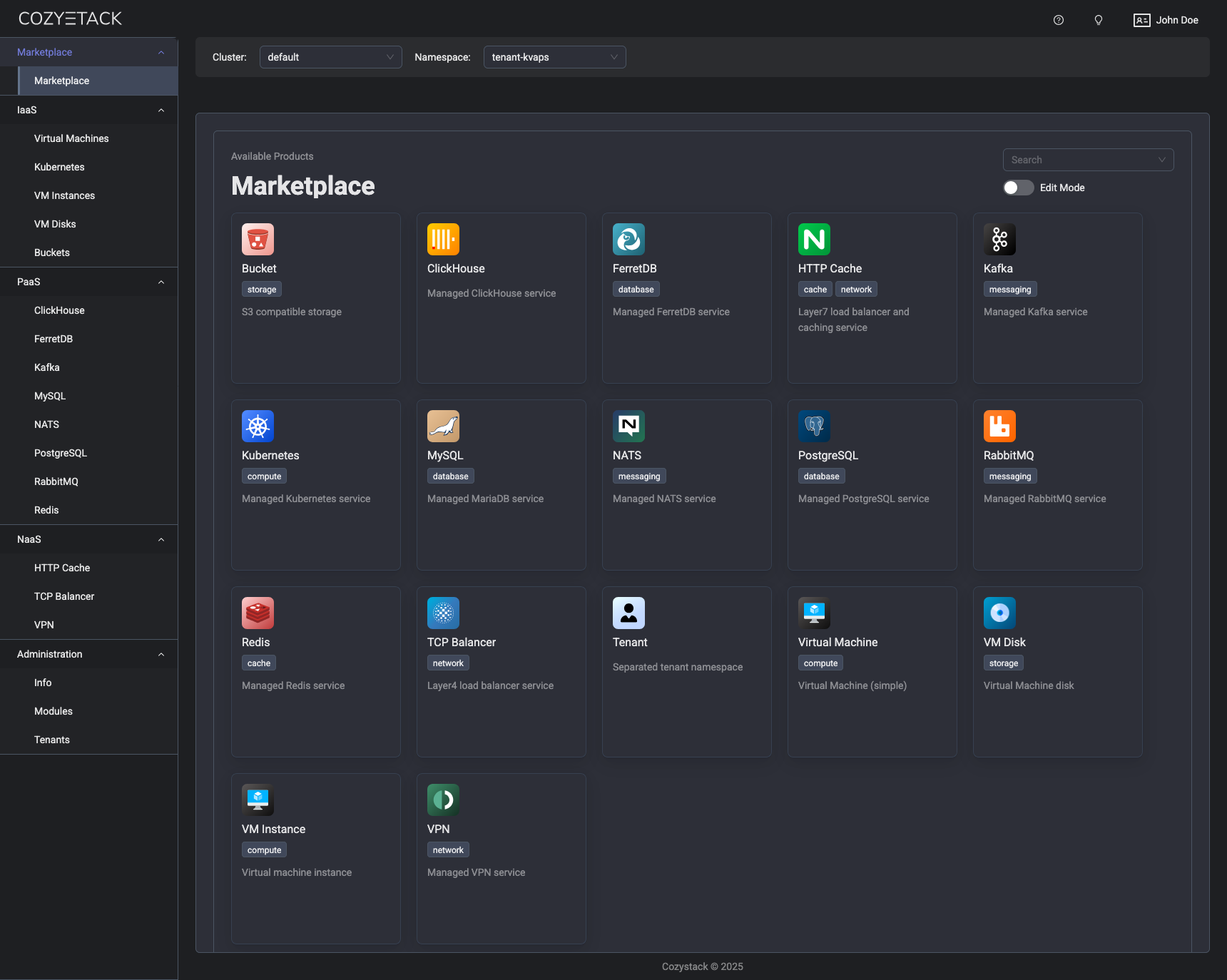
Use-Cases
-
Using Cozystack to build a public cloud
You can use Cozystack as a backend for a public cloud -
Using Cozystack to build a private cloud
You can use Cozystack as a platform to build a private cloud powered by Infrastructure-as-Code approach -
Using Cozystack as a Kubernetes distribution
You can use Cozystack as a Kubernetes distribution for Bare Metal
Documentation
The documentation is located on the cozystack.io website.
Read the Getting Started section for a quick start.
If you encounter any difficulties, start with the troubleshooting guide and work your way through the process that we've outlined.
Versioning
Versioning adheres to the Semantic Versioning principles.
A full list of the available releases is available in the GitHub repository's Release section.
Contributions
Contributions are highly appreciated and very welcomed!
In case of bugs, please check if the issue has already been opened by checking the GitHub Issues section. If it isn't, you can open a new one. A detailed report will help us replicate it, assess it, and work on a fix.
You can express your intention to on the fix on your own. Commits are used to generate the changelog, and their author will be referenced in it.
If you have a concrete feature request, open an issue. For a cross-cutting or architectural change, open a design proposal in the community repo. For questions or early ideas, use GitHub Discussions. See CONTRIBUTING.md for the full routing.
Community
You are welcome to join our Telegram group and come to our weekly community meetings. Add them to your Google Calendar or iCal for convenience.
License
Cozystack is licensed under Apache 2.0.
The code is provided as-is with no warranties.
Commercial Support
A list of companies providing commercial support for this project can be found on official site.