 Myasnikov Daniil
546d8e6a54
The Talos userspace OOM handler (v1.12+) picks its victim by ranking
cgroups with `memory_max.hasValue() ? 0.0 : {Besteffort: 1.0, Burstable:
0.5, ...}[class] * memory_current`, discarding every cgroup that scores
zero. Only a memory limit sets memory.max on the pod cgroup, so only a
limit takes a pod out of the candidate set: a request merely demotes
BestEffort to Burstable, which under the v1.13.6 default
strictCgroupClassOrdering still means "killed second". PriorityClass has
no effect at all, because the handler walks cgroupfs and never talks to
the API server.

Victim selection is decoupled from the trigger, so the cgroup that
caused the pressure and the cgroup that gets SIGKILLed are unrelated by
design. Tenant workloads generally carry limits and system components
generally did not, which inverted the intended order: a tenant workload
thrashing against its own limit drives node-wide memory PSI, and
metallb-speaker or linstor-satellite is killed for it while the workload
responsible is never touched.

An audit found roughly 70 workloads across ~30 packages with at least
one container missing a memory limit, so per-chart resources would
neither cover the current set nor keep covering it. Maintain a
LimitRange in every system namespace instead, at the single choke point
that already creates them and already distinguishes system from tenant
(reconcileNamespaces). Tenant namespaces are left alone because
packages/apps/tenant owns LimitRange policy there.

The limit is a ceiling, not a reservation: it defaults well above real
usage (4Gi against a largest observed system request of 512Mi).
defaultRequest is set explicitly and small, because Kubernetes otherwise
defaults each request to the limit and reserves that much at schedule
time. Setting the limit to 0 disables the LimitRange and removes any the
operator previously created.

Two things keep the feature from being able to hurt more than it helps.

A LimitRange default only reaches a container that declares no memory
limit of its own, and the API server then rejects a request above its
limit. So before applying, scan the namespace for a container that
requests more than the configured limit and sets none, and where one
exists skip the namespace, retract any LimitRange applied earlier, and
log the pod, container, request and limit. This is not hypothetical:
packages/system/monitoring and packages/system/monitoring-agents ship
VPAs for cozy-monitoring with maxAllowed.memory of 8Gi and 6G under
updateMode: Initial, so the VPA admission webhook -- which runs after
the in-tree LimitRanger -- can write a request past 4Gi that no chart in
the tree declares. That is why the check runs against live pods rather
than rendered templates, and why it reads through APIReader rather than
starting a cluster-wide Pod informer.

And no failure inside the feature propagates: a LimitRange error, or a
pod list that cannot be read, is logged and stepped over instead of
failing the Package reconcile. A namespace without a LimitRange is back
to the behaviour of every earlier release, while a namespace that never
reconciles leaves its components uninstalled.

Assisted-By: LLM
Signed-off-by: Myasnikov Daniil <myasnikovdaniil2001@gmail.com>




Cozystack
Cozystack is a free and open-source platform and framework for building clouds.
Cozystack is a CNCF Sandbox project that was originally built and sponsored by Ænix.
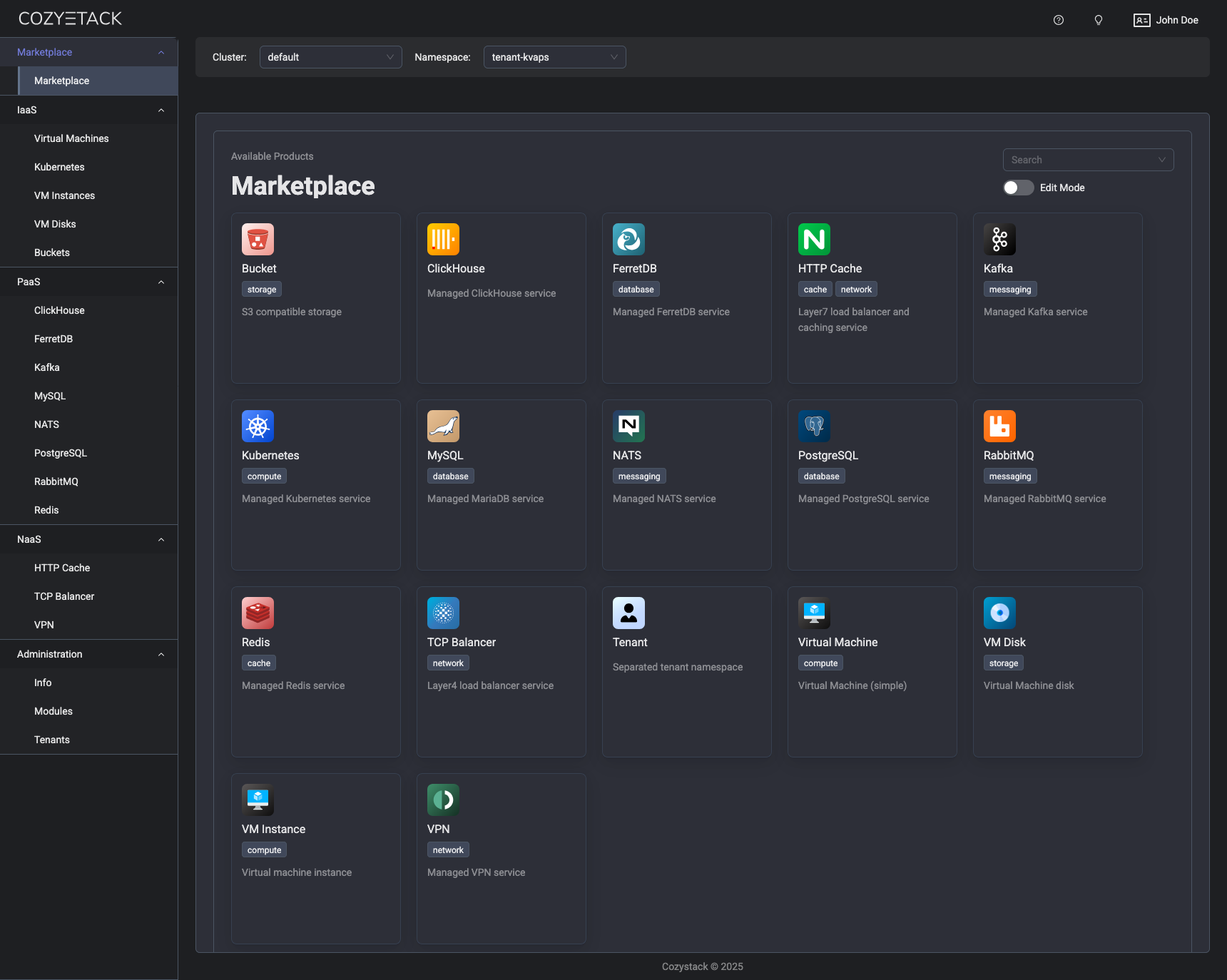
With Cozystack, you can transform a bunch of servers into an intelligent system with a simple REST API for spawning Kubernetes clusters, Database-as-a-Service, virtual machines, load balancers, HTTP caching services, and other services with ease.
Use Cozystack to build your own cloud or provide a cost-effective development environment.
Use-Cases
-
Using Cozystack to build a public cloud
You can use Cozystack as a backend for a public cloud -
Using Cozystack to build a private cloud
You can use Cozystack as a platform to build a private cloud powered by Infrastructure-as-Code approach -
Using Cozystack as a Kubernetes distribution
You can use Cozystack as a Kubernetes distribution for Bare Metal
Documentation
The documentation is located on the cozystack.io website.
Read the Getting Started section for a quick start.
If you encounter any difficulties, start with the troubleshooting guide and work your way through the process that we've outlined.
Versioning
Versioning adheres to the Semantic Versioning principles.
A full list of the available releases is available in the GitHub repository's Release section.
Contributions
Contributions are highly appreciated and very welcomed!
In case of bugs, please check if the issue has already been opened by checking the GitHub Issues section. If it isn't, you can open a new one. A detailed report will help us replicate it, assess it, and work on a fix.
You are welcome to take on the fix yourself. Commits are used to generate the changelog, and their author will be referenced in it.
If you have a concrete feature request, open an issue. For a cross-cutting or architectural change, open a design proposal in the community repo. For questions or early ideas, use GitHub Discussions. See CONTRIBUTING.md for the full routing.
Community
You are welcome to join us in #cozystack, on either CNCF Slack (get an invite) or Kubernetes Slack (get an invite), in our Telegram group, and at our community meetings. Add them to your Google Calendar or iCal for convenience.
Project documents
| Document | What it covers |
|---|---|
| Governance | How decisions are made and who makes them |
| Contributor Ladder | How to grow from contributor to maintainer |
| Maintainers | Who maintains the project |
| Code of Conduct | What we expect of each other |
| Security Policy | Reporting a vulnerability, and which releases get fixes |
| Adopters | Who runs Cozystack in production |
| Roadmap | Where the project is going |
License
Cozystack is licensed under Apache 2.0.
The code is provided as-is with no warranties.
Commercial Support
A list of companies providing commercial support for this project can be found on official site.