 Aleksei Sviridkin
8e48cfc8fd
Two things this change got wrong about its own behaviour.

tls.disableNonTLSListeners was silently discarded whenever TLS resolved to off,
because the value was folded into the TLS condition before anything read it.
Asking to close the plaintext listeners with TLS off leaves nothing listening,
and the operator rejects the combination itself, returning "TLS must be enabled
if disableNonTLSListeners is set to true" and setting ReconcileSuccess=False.
Swallowing it in the chart was worse than what the operator does: the operator
at least records a TLSError event, while a dropped flag rendered a
healthy-looking cluster with every plaintext listener open and no trace of the
request. The likeliest way in is an operator hardening an internal broker who
sets only the flag, since tls.enabled follows external and so resolves to false
there. Fail with a message naming tls.enabled instead.

The README also claimed messaging clients are unaffected by enabling TLS. That
holds only for a client with a hardcoded port. <release>-default-user is the
Service Binding object the chart grants to the tenant, and the operator rewrites
its port key from 5672 to 5671 as soon as spec.tls.secretName is set — gated on
TLS alone, not on whether the plaintext listener stayed open — along with the
per-plugin port keys. A binding-driven client, which is the documented way to
consume it, follows that change and must speak TLS from then on, without being
able to verify the certificate until the trust anchor is obtainable. Say so.

Also record that the connection-uri annotation fans out: the operator's
annotation filter strips only kubernetes.io and k8s.io keys, so it lands on every
child object including the Secret the tenant reads.

Assisted-by: LLM
Signed-off-by: Aleksei Sviridkin <f@lex.la>


Cozystack
Cozystack is a free platform and framework for building clouds.
Cozystack is a CNCF Sandbox Level Project that was originally built and sponsored by Ænix.
With Cozystack, you can transform a bunch of servers into an intelligent system with a simple REST API for spawning Kubernetes clusters, Database-as-a-Service, virtual machines, load balancers, HTTP caching services, and other services with ease.
Use Cozystack to build your own cloud or provide a cost-effective development environment.
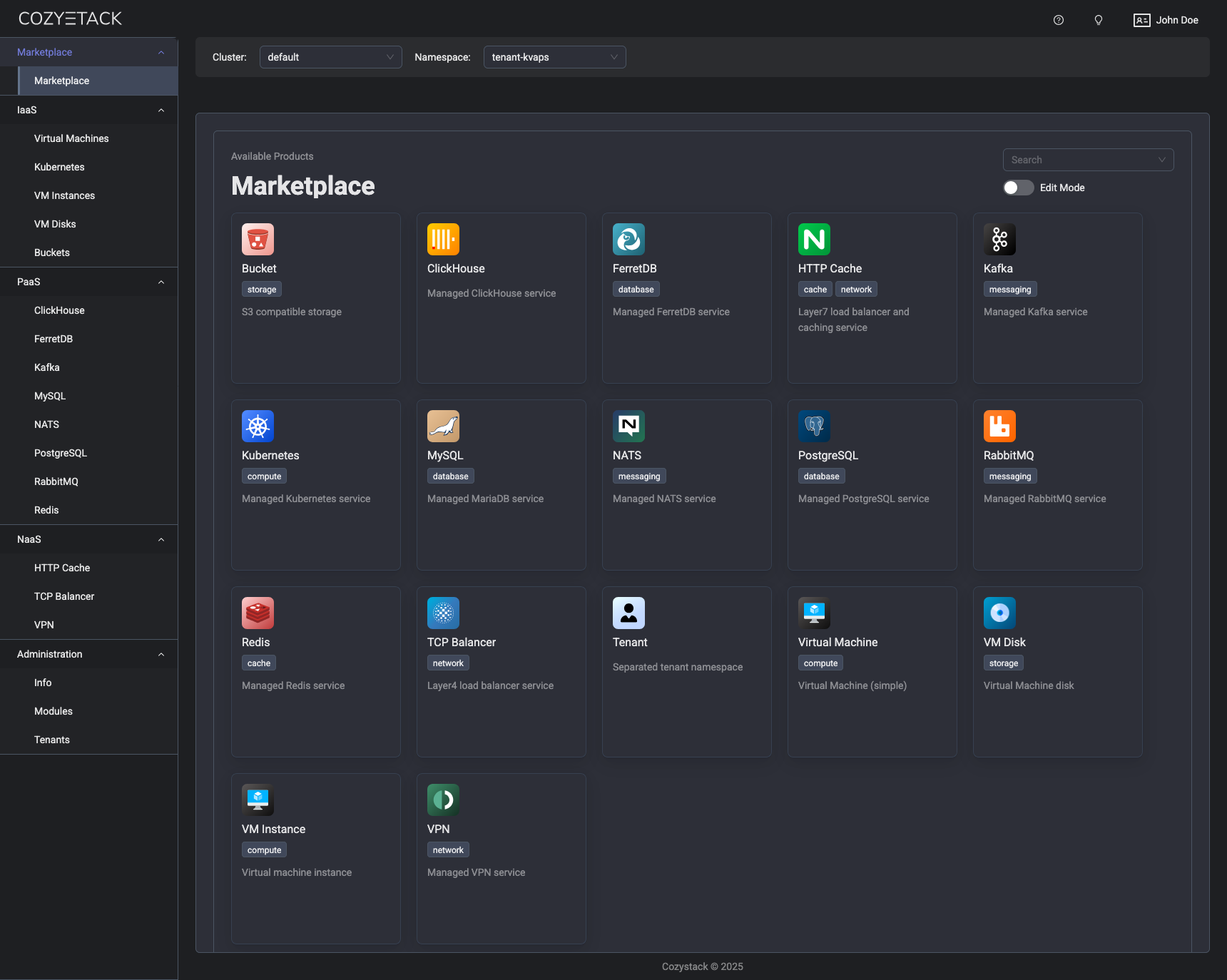
Use-Cases
-
Using Cozystack to build a public cloud
You can use Cozystack as a backend for a public cloud -
Using Cozystack to build a private cloud
You can use Cozystack as a platform to build a private cloud powered by Infrastructure-as-Code approach -
Using Cozystack as a Kubernetes distribution
You can use Cozystack as a Kubernetes distribution for Bare Metal
Documentation
The documentation is located on the cozystack.io website.
Read the Getting Started section for a quick start.
If you encounter any difficulties, start with the troubleshooting guide and work your way through the process that we've outlined.
Versioning
Versioning adheres to the Semantic Versioning principles.
A full list of the available releases is available in the GitHub repository's Release section.
Contributions
Contributions are highly appreciated and very welcomed!
In case of bugs, please check if the issue has already been opened by checking the GitHub Issues section. If it isn't, you can open a new one. A detailed report will help us replicate it, assess it, and work on a fix.
You can express your intention to on the fix on your own. Commits are used to generate the changelog, and their author will be referenced in it.
If you have a concrete feature request, open an issue. For a cross-cutting or architectural change, open a design proposal in the community repo. For questions or early ideas, use GitHub Discussions. See CONTRIBUTING.md for the full routing.
Community
You are welcome to join our Telegram group and come to our weekly community meetings. Add them to your Google Calendar or iCal for convenience.
License
Cozystack is licensed under Apache 2.0.
The code is provided as-is with no warranties.
Commercial Support
A list of companies providing commercial support for this project can be found on official site.