 Aleksei Sviridkin
a5c58e5e98
## What this PR does

A VMDisk created from `source.image` with a `storage` smaller than its
golden image never comes up. CDI v1.66.1 checks a clone against its
source in `validateClone`
(`pkg/controller/datavolume/pvc-clone-controller.go`) before it creates
the target claim. When the source PVC is in `Block` mode and requests
more than the DataVolume, CDI records `CloneValidationFailed` ("target
resources requests storage size is smaller than the source"), creates no
claim and leaves the DataVolume `Pending` for good. The webhook admits
such a DataVolume, so nothing fails at install. Raising `storage`
afterwards does not help either, because the chart renders an existing
DataVolume's spec as it is (CDI does not let it change) and the resize
hook only patches a claim that exists.

This is the default path. Every image in `vm-default-images` is 20Gi on
`replicated`, the StorageProfile CDI builds for the LINSTOR driver puts
`Block` first, and the chart defaults `storage` to 5Gi. Seen on a v1.6.4
cluster with CDI v1.66.1. A 10Gi disk from a 20Gi golden image sat
`Pending` with `CloneValidationFailed` while its release kept timing
out, and raising the disk to 25Gi left the DataVolume at 10Gi. The only
way out is to delete the disk and create it again at 20Gi or more.

The chart now refuses such a disk at render time, before any DataVolume
exists, with a message that names both sizes and the minimum to set, for
example `storage 5Gi is smaller than golden image
"vm-default-images-ubuntu" (20Gi), so CDI refuses to clone it and the
disk would stay pending forever. Set storage to 20Gi or more.` It
compares what CDI compares, the golden PVC's request against the disk's
request in bytes, and first raises the disk's request to the target
StorageProfile's `cdi.kubevirt.io/minimumSupportedPvcSize` the way
`GetEffectiveStorageResources` does. For an empty `storageClass` the
target is the class the check from #4796 already resolves, the default
virt class or else the Kubernetes default.

Nothing is compared, and the disk renders as before, when the golden PVC
cannot be read (under `helm template`, or before CDI created it), when
the golden PVC is in `Filesystem` mode, and for any source other than
`image`. For a `Filesystem` source CDI sizes a `Block` target from the
virtual size of the image inside it and otherwise compares requests
inflated by a per-class filesystem overhead, neither of which the chart
reproduces. An existing disk is exempt, as for the other golden checks,
since its DataVolume spec cannot change anyway.

Not covered here. A `source.disk` clone into a smaller disk goes through
the same CDI check and still renders. The chart default of 5Gi stays
below every default image, so a disk created from one at the default
size is now refused with the message above instead of hanging. Whether
the default should follow the images is a separate decision.

A new helm-unittest suite, `tests/dv_golden_size_test.yaml`, has 15
cases. It pins the refusal at the chart default against a 20Gi `Block`
golden with the whole message, the equal and the larger size, the
comparison in bytes (`21G` is refused against `20Gi`, `20480Mi`
renders), a StorageProfile minimum that covers the golden and one that
stays below it, the minimum read from the default class for an empty
`storageClass`, and the cases that render as before, a `Filesystem`
golden, no cluster, a golden PVC that does not exist yet, a disk without
a size, an existing disk, an `http` and an `upload` source. Against the
template on main the 3 refusal cases fail and the other 12 pass. Six
mutations of the new block each turn at least one case red (any volume
mode compared, the minimum dropped, the minimum read from the requested
class only, no check that `storage` is set, an equal size refused, sizes
compared as strings). `helm unittest` passes 129 of 129 for vm-disk,
against 114 on main, with helm-unittest 1.1.2 as CI pins it. Merged with
the current heads of #4802 or #4955, which touch the same template,
vm-disk passes 137 and 131 cases. `helm template` without a cluster
renders an image disk at 5Gi as before. I have not run it on a live
cluster.

The commit does not cherry-pick onto release-1.6 or release-1.7. Neither
carries the check from #4796 it builds on, and release-1.6 has none of
the golden checks, so a backport would be an adapted change.

### Screenshots

Not a UI change.

### Downstream repositories

Template and tests only. No values, schema, README, defaults or
`ApplicationDefinition` change. The golden images guide on the website
already creates its example disk at the image's 20Gi.

- [x] No downstream repository is affected by this change
- [ ] [cozystack/website](https://github.com/cozystack/website) -
follow-up:
- [ ]
[cozystack/terraform-provider-cozystack](https://github.com/cozystack/terraform-provider-cozystack)
- follow-up:
- [ ]
[cozystack/ansible-cozystack](https://github.com/cozystack/ansible-cozystack)
- follow-up:
- [ ] [cozystack/ccp](https://github.com/cozystack/ccp) - follow-up:
- [ ] [cozystack/talm](https://github.com/cozystack/talm) - follow-up:
- [ ] [cozystack/cozyhr](https://github.com/cozystack/cozyhr) -
follow-up:
- [ ] [cozystack/cozy-proxy](https://github.com/cozystack/cozy-proxy) -
follow-up:
- [ ]
[cozystack/cozystack-telemetry-server](https://github.com/cozystack/cozystack-telemetry-server)
- follow-up:
- [ ]
[cozystack/external-apps-example](https://github.com/cozystack/external-apps-example)
- follow-up:
- [ ] [cozystack/examples](https://github.com/cozystack/examples) -
follow-up:
- [ ] [cozystack/community](https://github.com/cozystack/community) -
follow-up:

### Release note

```release-note
fix(vm-disk): a new disk from a golden image is now refused at render time when its storage is smaller than the image, with a message that names both sizes. Before, CDI refused the clone with CloneValidationFailed, the disk stayed pending forever, and raising its storage afterwards did not help. The default images are 20Gi and the default storage is 5Gi, so a disk from one of them needs storage set to 20Gi or more.
```


<!-- This is an auto-generated comment: release notes by coderabbit.ai
-->

## Summary by CodeRabbit

* **Bug Fixes**
* Disk sizes are now checked against the size of Block-mode golden
images when cloning. If the requested size is too small, it is increased
to the target storage profile’s minimum supported size when possible;
otherwise, rendering fails with an error that states the required size.
* Size comparisons account for actual byte capacity, so equivalent size
units are handled correctly. Filesystem-mode sources and other disk
sources are unaffected.

<!-- end of auto-generated comment: release notes by coderabbit.ai -->







Cozystack
Cozystack is a free and open-source platform and framework for building clouds.
Cozystack is a CNCF Sandbox project that was originally built and sponsored by Ænix.
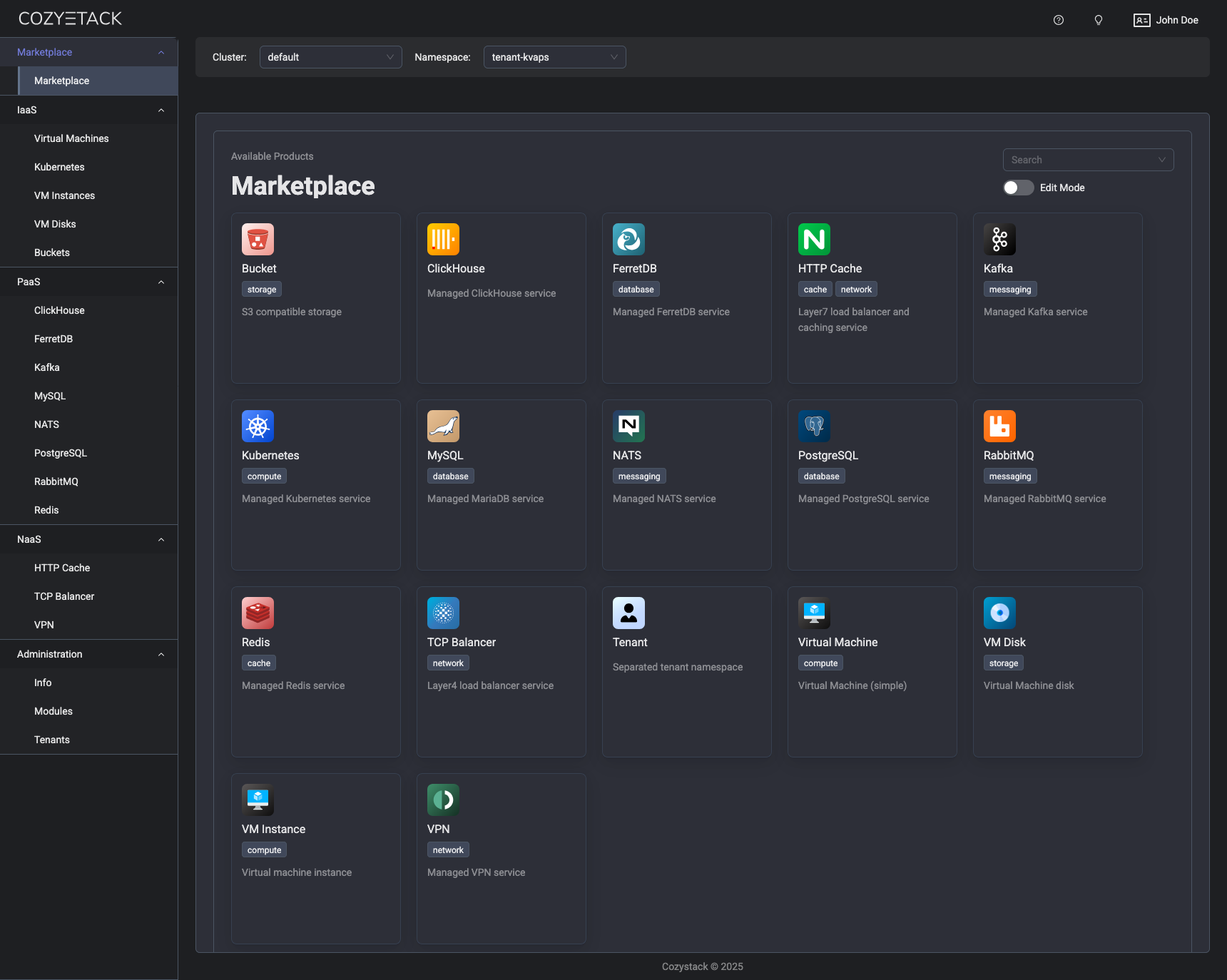
With Cozystack, you can transform a bunch of servers into an intelligent system with a simple REST API for spawning Kubernetes clusters, Database-as-a-Service, virtual machines, load balancers, HTTP caching services, and other services with ease.
Use Cozystack to build your own cloud or provide a cost-effective development environment.
Use-Cases
-
Using Cozystack to build a public cloud
You can use Cozystack as a backend for a public cloud -
Using Cozystack to build a private cloud
You can use Cozystack as a platform to build a private cloud powered by Infrastructure-as-Code approach -
Using Cozystack to build your own platform
You can install only the Cozystack components you need on an existing Kubernetes cluster
Documentation
The documentation is located on the cozystack.io website.
Read the Getting Started section for a quick start.
If you encounter any difficulties, start with the troubleshooting guide and work your way through the process that we've outlined.
Versioning
Versioning adheres to the Semantic Versioning principles.
A full list of the available releases is available in the GitHub repository's Release section.
Contributions
Contributions are highly appreciated and very welcomed!
In case of bugs, please check if the issue has already been opened by checking the GitHub Issues section. If it isn't, you can open a new one. A detailed report will help us replicate it, assess it, and work on a fix.
You are welcome to take on the fix yourself. Commits are used to generate the changelog, and their author will be referenced in it.
If you have a concrete feature request, open an issue. For a cross-cutting or architectural change, open a design proposal in the community repo. For questions or early ideas, use GitHub Discussions. See CONTRIBUTING.md for the full routing.
Community
You are welcome to join us in #cozystack, on either CNCF Slack (get an invite) or Kubernetes Slack (get an invite), in our Telegram group, and at our community meetings. Add them to your Google Calendar or iCal for convenience.
Project documents
| Document | What it covers |
|---|---|
| Governance | How decisions are made and who makes them |
| Contributor Ladder | How to grow from contributor to maintainer |
| Maintainers | Who maintains the project |
| Code of Conduct | What we expect of each other |
| Security Policy | Reporting a vulnerability, and which releases get fixes |
| Adopters | Who runs Cozystack in production |
| Roadmap | Where the project is going |
License
Cozystack is licensed under Apache 2.0.
The code is provided as-is with no warranties.
Commercial Support
A list of companies providing commercial support for this project can be found on official site.