 Aleksei Sviridkin
b4c66f2b55
Enabling TLS swaps the published metrics port: the operator exposes either
prometheus:15692 or prometheus-tls:15691 and never both, deliberately, so a
scrape config selecting every port does not count each node twice. That choice
keys off TLS alone rather than off disableNonTLSListeners, so a ServiceMonitor
selecting the port by the name prometheus stops matching once TLS is on, even
though the broker keeps listening on 15692. Since tls.enabled inherits external,
this reaches existing instances on upgrade with no user action.

Re-adding 15692 through spec.override.service looks like the fix and is not.
updatePorts keeps only port NAMES the operator owns and carries their NodePort
across, so every reconcile drops the re-added entry; the override then reinstates
it with nodePort unset, which the apiserver reads as "allocate" on a
LoadBalancer. The resulting write retriggers the operator's own Service watch and
the NodePort is reallocated each round. ClusterIP escapes it only because Update
zeroes every NodePort there, leaving the patched spec equal to the live one — and
external:true, the configuration that turns TLS on by default, is precisely the
one that would loop. Trading a renamed metrics port for continuous LoadBalancer
and kube-proxy reprogramming is not a trade worth making.

So the chart renders no service override at all. The README says what changed and
how to retarget a scrape config, including that 15691 is HTTPS under the release
CA and so needs the trust anchor to verify, and the template comment records why
neither direction of override is used.

Assisted-by: LLM
Signed-off-by: Aleksei Sviridkin <f@lex.la>


Cozystack
Cozystack is a free platform and framework for building clouds.
Cozystack is a CNCF Sandbox Level Project that was originally built and sponsored by Ænix.
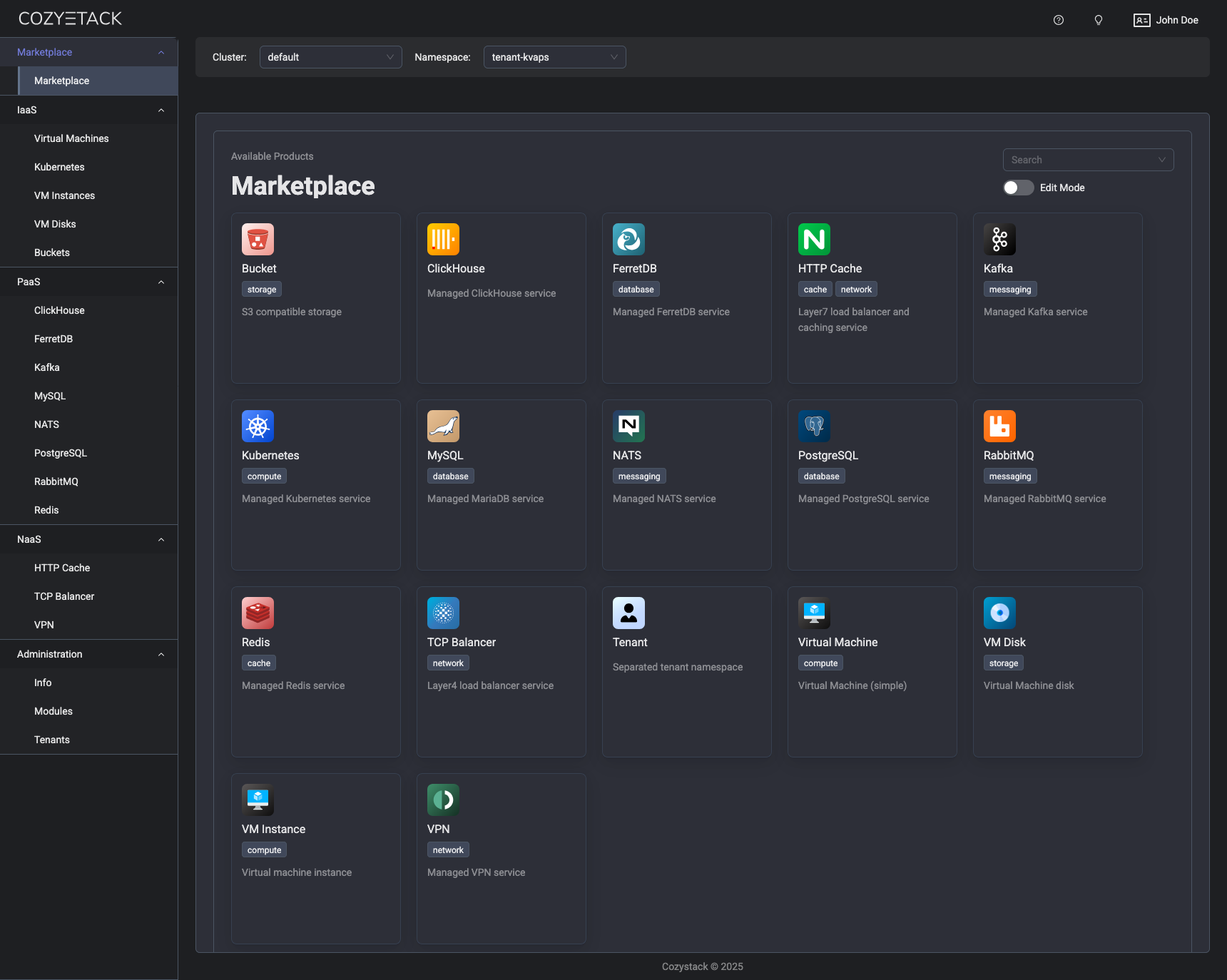
With Cozystack, you can transform a bunch of servers into an intelligent system with a simple REST API for spawning Kubernetes clusters, Database-as-a-Service, virtual machines, load balancers, HTTP caching services, and other services with ease.
Use Cozystack to build your own cloud or provide a cost-effective development environment.
Use-Cases
-
Using Cozystack to build a public cloud
You can use Cozystack as a backend for a public cloud -
Using Cozystack to build a private cloud
You can use Cozystack as a platform to build a private cloud powered by Infrastructure-as-Code approach -
Using Cozystack as a Kubernetes distribution
You can use Cozystack as a Kubernetes distribution for Bare Metal
Documentation
The documentation is located on the cozystack.io website.
Read the Getting Started section for a quick start.
If you encounter any difficulties, start with the troubleshooting guide and work your way through the process that we've outlined.
Versioning
Versioning adheres to the Semantic Versioning principles.
A full list of the available releases is available in the GitHub repository's Release section.
Contributions
Contributions are highly appreciated and very welcomed!
In case of bugs, please check if the issue has already been opened by checking the GitHub Issues section. If it isn't, you can open a new one. A detailed report will help us replicate it, assess it, and work on a fix.
You can express your intention to on the fix on your own. Commits are used to generate the changelog, and their author will be referenced in it.
If you have a concrete feature request, open an issue. For a cross-cutting or architectural change, open a design proposal in the community repo. For questions or early ideas, use GitHub Discussions. See CONTRIBUTING.md for the full routing.
Community
You are welcome to join our Telegram group and come to our weekly community meetings. Add them to your Google Calendar or iCal for convenience.
License
Cozystack is licensed under Apache 2.0.
The code is provided as-is with no warranties.
Commercial Support
A list of companies providing commercial support for this project can be found on official site.