 Timofei Larkin
c797803dd7
## What this PR does

It bumps cozyplane to v0.1.5 and has a cozyplane `vm-instance` VM hold
its Port through a `PortClaim`, so the VM keeps its IP and MAC across
restarts and live migrations.

Without a claim, a VM's Port is garbage-collected when its launcher pod
goes away, and the next launcher pod gets a new IP and a random MAC. A
guest whose network config is pinned to the old MAC then matches no
interface and loses its network. lllamnyp/cozyplane#79 (released in
v0.1.3) fixes this without special-casing KubeVirt. A namespaced
`PortClaim` in `sdn.cozystack.io` holds a cluster-scoped `Port` the way
a PVC holds a PV, and a pod binds it with the annotation
`sdn.cozystack.io/port-claim: <name>`, resolved in the pod's own
namespace. The claim keeps its IP and MAC for as long as it exists: a
stopped VM keeps its address reserved, and deleting the claim frees it.

- **cozyplane v0.1.5.** `cozyplane`, `cozyplane-kpr` and
`cozyplane-apiserver` are re-vendored with `make update` at `b99171ea7`
(tag `v0.1.5`). Beyond v0.1.3's PortClaim, it carries
lllamnyp/cozyplane#80, so a PortClaim that adopts a running VM's Port
keeps it bound to the pod already holding it and reports `Bound=True`
with reason `PreClaimPod`. It also carries lllamnyp/cozyplane#81: the
aggregated apiserver sets `metadata.generation` and the controllers
stamp `observedGeneration`, so a retargeted FloatingIP no longer keeps
its old target's status. The wrappers pin the release images by tag and
digest:
-
`ghcr.io/lllamnyp/cozyplane:v0.1.5@sha256:2cc55293000b64a4c4233910cbc3803b9bea7c16e9e7d44ddcc44fb4042cdd98`
-
`ghcr.io/lllamnyp/cozyplane-kpr:v0.1.5@sha256:28254bdc0283b3797ea8c5f26146932c46b0be98a15cdd660cb42330963cb01c`

The aggregated apiserver serves `PortClaim` from the same binary, and
its chart changes only in the image pin. The CNI chart gains the agent's
and controller's PortClaim RBAC, and its tenant roles gain `portclaims`.
- **`vm-instance`.** A VM that joins a VPC through `networks` renders a
`PortClaim` named after the VM, with `spec.vpcRef` set to the VM's VPC,
and annotates its pod template with `sdn.cozystack.io/port-claim: <VM
name>` next to `sdn.cozystack.io/vpc`. The name matters: cozyplane
adopts a running VM's existing Port into a claim named after that VM, so
running VMs keep their IP and MAC through the upgrade. Without a VPC, or
on kube-ovn, nothing changes.
- **RBAC.** No change is needed. Releases are applied by the same
identity that already applies the VPC application's `sdn.cozystack.io`
objects. Tenants reach `portclaims` through cozyplane's own tenant
roles, which `cozy:tenant:cozyplane-edit` and `-view` (#3149) already
aggregate into the `cozy:tenant*` tiers: every access level can read
claims, and admins can manage them.

### Compatibility

The bump and the chart change have to land together. From v0.1.3 a VM
with no claim gets a new IP and MAC on every launcher pod, live
migration included.

**Upgrading running VMs.** A VM adopted while it was running gets a new
IP and loses its network if it is live-migrated before a restart. Such a
VM's claim shows `Bound=True` with reason `PreClaimPod`, and the VM is
marked `RestartRequired`; restart it before migrating it.

**Tenant Kubernetes worker VMs are not covered.** `kubernetes-nodes` is
unchanged, so from v0.1.3 a tenant cluster's worker VMs keep no IP or
MAC across restarts or live migrations.

A PortClaim's spec is immutable. Changing `networks[0].name` on an
existing VM therefore fails the release upgrade at the claim, instead of
moving the VM to another VPC as it did before.

### Tests

The new helm-unittest suite `vm-instance/tests/portclaim_test.yaml`
covers a VPC VM (one claim named after the VM, its `vpcRef`, no `mac`,
and the pod-template annotation), cozyplane with no VPC (no claim, no
annotation), and kube-ovn (no claim, no annotation). The `vm-instance`,
cozyplane wrapper, kubernetes, kubernetes-nodes and platform suites
pass.

### Downstream repositories

- [ ] No downstream repository is affected by this change
- [ ] [cozystack/website](https://github.com/cozystack/website) -
follow-up:
- [ ]
[cozystack/terraform-provider-cozystack](https://github.com/cozystack/terraform-provider-cozystack)
- follow-up:

Boxes left unticked so a human decides.

### Release note

```release-note
feat(vm-instance): on the cozyplane networking variant, a VM in a VPC keeps its IP and MAC across restarts and live migrations through a PortClaim; cozyplane is bumped to v0.1.5
```

<!-- This is an auto-generated comment: release notes by coderabbit.ai
-->
<!-- coderabbit-ai-generated:v1 -->

## Summary by CodeRabbit

* **New Features**
* VMs configured with supported VPC networks now receive a port claim
that launcher pods can use to bind to the selected network.
* Tenant roles now support viewing and managing port claims, with access
appropriate to each role.
* **Updates**
* Cozyplane components are updated to version 0.1.4, including the API
server and Kubernetes provider. These updates include revised support
for port claims.
<!-- end of auto-generated comment: release notes by coderabbit.ai -->







Cozystack
Cozystack is a free and open-source platform and framework for building clouds.
Cozystack is a CNCF Sandbox project that was originally built and sponsored by Ænix.
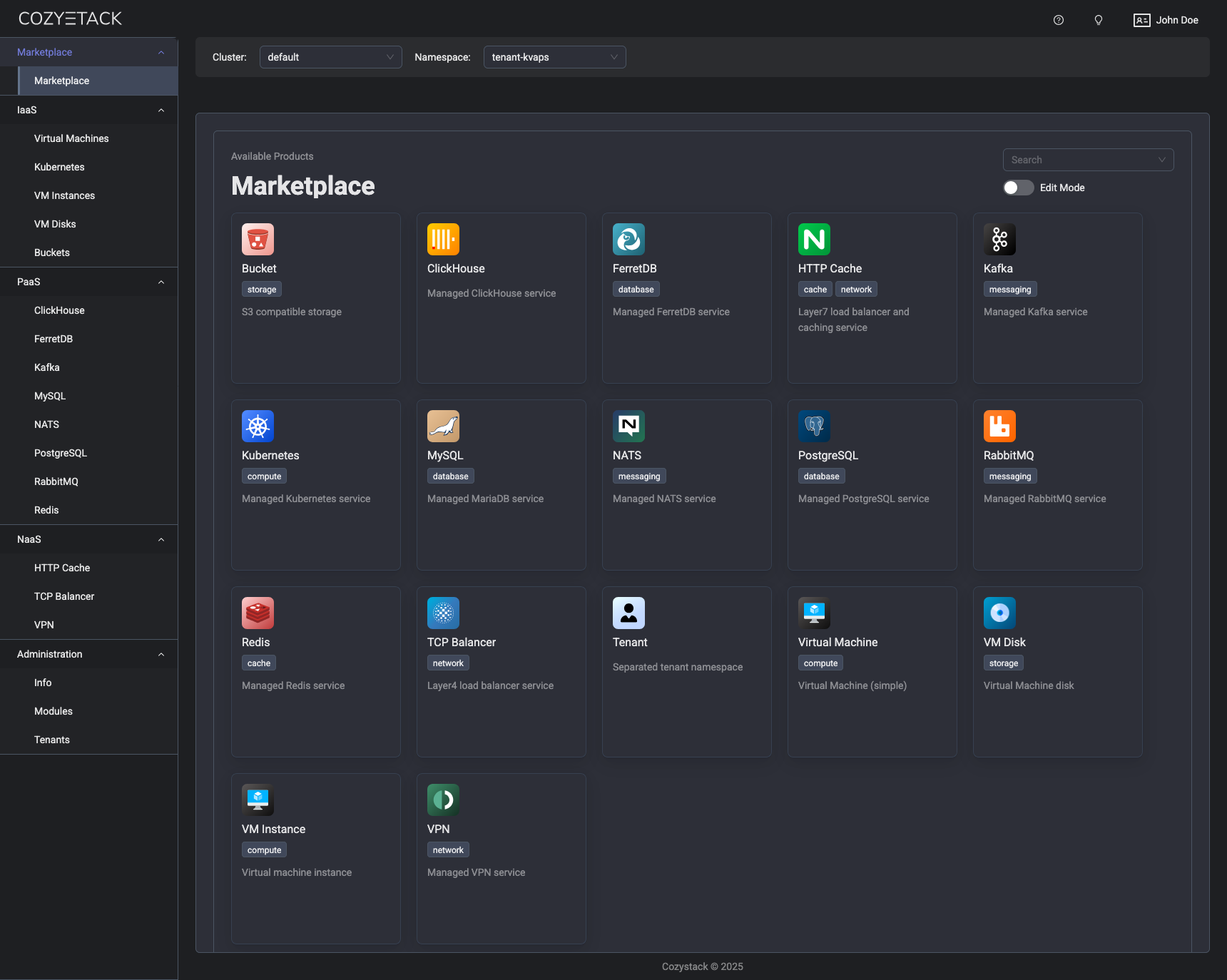
With Cozystack, you can transform a bunch of servers into an intelligent system with a simple REST API for spawning Kubernetes clusters, Database-as-a-Service, virtual machines, load balancers, HTTP caching services, and other services with ease.
Use Cozystack to build your own cloud or provide a cost-effective development environment.
Use-Cases
-
Using Cozystack to build a public cloud
You can use Cozystack as a backend for a public cloud -
Using Cozystack to build a private cloud
You can use Cozystack as a platform to build a private cloud powered by Infrastructure-as-Code approach -
Using Cozystack to build your own platform
You can install only the Cozystack components you need on an existing Kubernetes cluster
Documentation
The documentation is located on the cozystack.io website.
Read the Getting Started section for a quick start.
If you encounter any difficulties, start with the troubleshooting guide and work your way through the process that we've outlined.
Versioning
Versioning adheres to the Semantic Versioning principles.
A full list of the available releases is available in the GitHub repository's Release section.
Contributions
Contributions are highly appreciated and very welcomed!
In case of bugs, please check if the issue has already been opened by checking the GitHub Issues section. If it isn't, you can open a new one. A detailed report will help us replicate it, assess it, and work on a fix.
You are welcome to take on the fix yourself. Commits are used to generate the changelog, and their author will be referenced in it.
If you have a concrete feature request, open an issue. For a cross-cutting or architectural change, open a design proposal in the community repo. For questions or early ideas, use GitHub Discussions. See CONTRIBUTING.md for the full routing.
Community
You are welcome to join us in #cozystack, on either CNCF Slack (get an invite) or Kubernetes Slack (get an invite), in our Telegram group, and at our community meetings. Add them to your Google Calendar or iCal for convenience.
Project documents
| Document | What it covers |
|---|---|
| Governance | How decisions are made and who makes them |
| Contributor Ladder | How to grow from contributor to maintainer |
| Maintainers | Who maintains the project |
| Code of Conduct | What we expect of each other |
| Security Policy | Reporting a vulnerability, and which releases get fixes |
| Adopters | Who runs Cozystack in production |
| Roadmap | Where the project is going |
License
Cozystack is licensed under Apache 2.0.
The code is provided as-is with no warranties.
Commercial Support
A list of companies providing commercial support for this project can be found on official site.