 Myasnikov Daniil
d27500f049
## What this PR does

On a v1.6.5 cluster a TCPBalancer created with the chart defaults
(`t1.nano`, limits 250m CPU and 128Mi memory, `haproxy:3.4.4`)
crash-looped. Both pods were OOMKilled with a memory limit of 134217728,
7 restarts each in about 15 minutes, and HAProxy logged `[NOTICE] (8) :
Automatically setting global.maxconn to 524126.` On another cluster the
same chart picked maxconn 524251 and the pods kept running.

`haproxy.cfg` has no `global` section, so HAProxy sizes itself from the
node. maxconn comes from the nofile limit capped at the built-in
`fd-hard-limit` of 1048576 (`DEFAULT_MAXFD`), and the thread count is
the number of CPUs the process may run on, whatever its CPU limit is.
Both are paid for at startup, before any traffic, and the thread part
grows with the node.

This PR adds a `global` section sized from the replica's own limits,
read through the same `cozy-lib.resources.defaultingSanitize` helper the
Deployment uses, so `resources` and `resourcesPreset` resolve the same
way. For `t1.nano` it renders

```
global
    fd-hard-limit 4096
    thread-hard-limit 1
```

`fd-hard-limit` is 32 per MiB of the memory limit and HAProxy derives
maxconn from it, 2035 for `t1.nano`, which is about 64 KiB per
connection. For comparison `haproxy -m 128` picks maxconn 3600 on 3.4.4,
about 35 KiB per connection, and the difference is left for the process
itself and for the kernel socket buffers the cgroup also charges. An
explicit `maxconn` would read simpler, but `strict-limits` is on by
default and HAProxy refuses to start when it cannot raise nofile to
about twice that value. With 1024 soft and 4096 hard nofile `maxconn
4096` exits with `Cannot raise FD limit to 8251`, while `fd-hard-limit
8192` starts with maxconn 2018. `thread-hard-limit` is the CPU limit
rounded up, at least 1. It caps the detected thread count and never
forces more threads than the node has.

Reproduced with Docker Desktop on arm64 (12 vCPU, kernel 6.12) and the
same image, running the rendered config the way the Deployment mounts
it. A larger node is stood in for by adding `nbthread 96` or `nbthread
128` to the `global` section. Memory is `memory.peak` of the container
cgroup.

```sh
cd packages/apps/tcp-balancer && mkdir -p /tmp/cfg
helm template tb . --show-only templates/configmap.yaml | yq '.data["haproxy.cfg"]' > /tmp/cfg/haproxy.cfg
docker run --rm --memory 128m --memory-swap 128m --ulimit nofile=1048576:1048576 -v /tmp/cfg:/usr/local/etc/haproxy:ro haproxy:3.4.4
```

| run | main | this PR |
| --- | --- | --- |
| idle, 12 threads | maxconn 524258, peak 89.6 MiB | maxconn 2035, 1
thread, peak 18.7 MiB |
| idle, `nbthread 96` | maxconn 524127, worker exited with code 137,
OOMKilled | 1 thread, peak 20.8 MiB |
| idle, `nbthread 128` | worker exited with code 137, OOMKilled | 1
thread, peak 22.9 MiB |
| 2035 clients echoing 16 KiB through a backend for 25 s, 12 threads |
worker exited with code 137 about a second after the clients started |
running, peak 83.7 MiB |

One case this PR does not cover is clients and servers that both stop
reading. They fill kernel socket buffers that the cgroup charges, and
with this PR the 128Mi container was still OOMKilled after 1225 such
connections, which maxconn does not bound.

`helm unittest .` passes 13 of 13 with helm-unittest 1.1.2 as CI pins
it. Against the template on main the four new cases fail and the nine
existing ones pass, and each of six template mutations fails at least
one case. `haproxy -c` accepts the render for `t1.nano`, `t1.4xlarge`,
`m1.4xlarge`, a zero CPU limit, the whitelist, `kubernetesAndTalos` and
`tcp-with-proxy` inputs. A full `helm template` differs from main only
in the `global` section and the `checksum/config` annotation, so the
pods roll once on upgrade. I have not run the change on a live cluster.

The template is the same on release-1.6, and that backport is a separate
PR.

### Screenshots

Not a UI change.

### Downstream repositories

One chart template and its unittest suite in
`packages/apps/tcp-balancer`. No values key, schema, default, README or
package change, so no trigger map entry applies.

- [x] No downstream repository is affected by this change
- [ ] [cozystack/website](https://github.com/cozystack/website) -
follow-up:
- [ ]
[cozystack/terraform-provider-cozystack](https://github.com/cozystack/terraform-provider-cozystack)
- follow-up:
- [ ]
[cozystack/ansible-cozystack](https://github.com/cozystack/ansible-cozystack)
- follow-up:
- [ ] [cozystack/ccp](https://github.com/cozystack/ccp) - follow-up:
- [ ] [cozystack/talm](https://github.com/cozystack/talm) - follow-up:
- [ ] [cozystack/cozyhr](https://github.com/cozystack/cozyhr) -
follow-up:
- [ ] [cozystack/cozy-proxy](https://github.com/cozystack/cozy-proxy) -
follow-up:
- [ ]
[cozystack/cozystack-telemetry-server](https://github.com/cozystack/cozystack-telemetry-server)
- follow-up:
- [ ]
[cozystack/external-apps-example](https://github.com/cozystack/external-apps-example)
- follow-up:
- [ ] [cozystack/examples](https://github.com/cozystack/examples) -
follow-up:
- [ ] [cozystack/community](https://github.com/cozystack/community) -
follow-up:

### Release note

```release-note
fix(tcp-balancer): HAProxy now takes its fd and thread caps from the replica's memory and CPU limits instead of the node, so a t1.nano balancer is no longer OOMKilled on nodes with many CPUs. maxconn follows the memory limit at about 16 connections per MiB, 2035 on t1.nano, and the pods roll once on upgrade.
```


<!-- This is an auto-generated comment: release notes by coderabbit.ai
-->

## Summary by CodeRabbit

- **New Features**
- TCP Balancer now automatically configures HAProxy file-descriptor and
thread limits based on the selected or explicitly defined resource
settings.
- CPU-based thread limits are rounded up and always maintain a minimum
of one thread.
- Memory-based file-descriptor limits scale automatically with the
configured memory capacity.

- **Tests**
- Added coverage for default, preset-based, explicit resource, rounding,
and minimum-limit scenarios.

<!-- end of auto-generated comment: release notes by coderabbit.ai -->

Backported-from: 55aad6f914







Cozystack
Cozystack is a free and open-source platform and framework for building clouds.
Cozystack is a CNCF Sandbox project that was originally built and sponsored by Ænix.
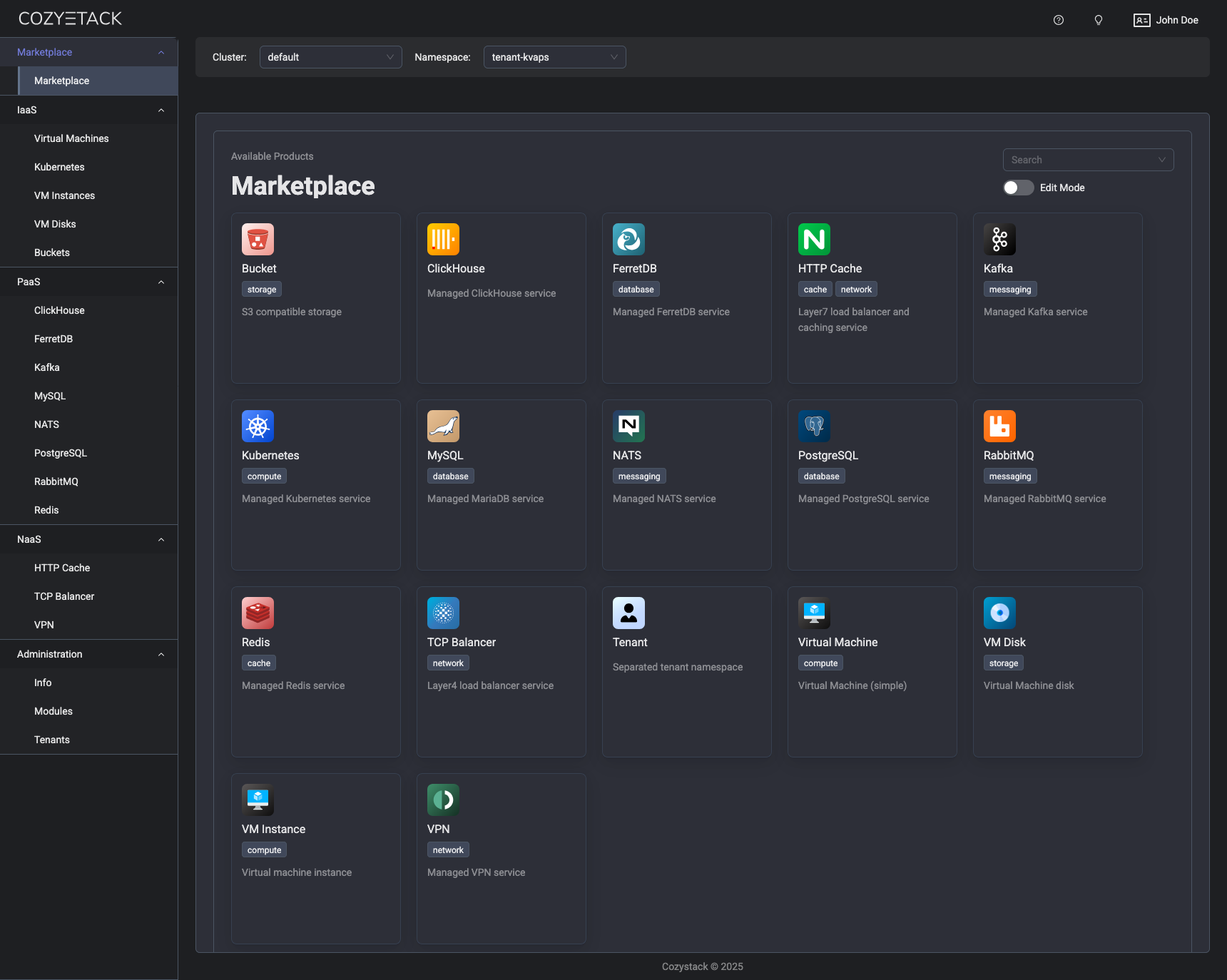
With Cozystack, you can transform a bunch of servers into an intelligent system with a simple REST API for spawning Kubernetes clusters, Database-as-a-Service, virtual machines, load balancers, HTTP caching services, and other services with ease.
Use Cozystack to build your own cloud or provide a cost-effective development environment.
Use-Cases
-
Using Cozystack to build a public cloud
You can use Cozystack as a backend for a public cloud -
Using Cozystack to build a private cloud
You can use Cozystack as a platform to build a private cloud powered by Infrastructure-as-Code approach -
Using Cozystack to build your own platform
You can install only the Cozystack components you need on an existing Kubernetes cluster
Documentation
The documentation is located on the cozystack.io website.
Read the Getting Started section for a quick start.
If you encounter any difficulties, start with the troubleshooting guide and work your way through the process that we've outlined.
Versioning
Versioning adheres to the Semantic Versioning principles.
A full list of the available releases is available in the GitHub repository's Release section.
Contributions
Contributions are highly appreciated and very welcomed!
In case of bugs, please check if the issue has already been opened by checking the GitHub Issues section. If it isn't, you can open a new one. A detailed report will help us replicate it, assess it, and work on a fix.
You are welcome to take on the fix yourself. Commits are used to generate the changelog, and their author will be referenced in it.
If you have a concrete feature request, open an issue. For a cross-cutting or architectural change, open a design proposal in the community repo. For questions or early ideas, use GitHub Discussions. See CONTRIBUTING.md for the full routing.
Community
You are welcome to join us in #cozystack, on either CNCF Slack (get an invite) or Kubernetes Slack (get an invite), in our Telegram group, and at our community meetings. Add them to your Google Calendar or iCal for convenience.
Project documents
| Document | What it covers |
|---|---|
| Governance | How decisions are made and who makes them |
| Contributor Ladder | How to grow from contributor to maintainer |
| Maintainers | Who maintains the project |
| Code of Conduct | What we expect of each other |
| Security Policy | Reporting a vulnerability, and which releases get fixes |
| Adopters | Who runs Cozystack in production |
| Roadmap | Where the project is going |
License
Cozystack is licensed under Apache 2.0.
The code is provided as-is with no warranties.
Commercial Support
A list of companies providing commercial support for this project can be found on official site.