 Aleksei Sviridkin
eb4abc8d93
TLS was enabled automatically whenever external was true. In this
operator TLS is not additive — the rendered config sets port 0 and moves
the listener to tls-port — so that inference turned every already-running
externally-reachable Redis into a TLS-only server on its first reconcile
after the upgrade and cut every plaintext client with it. A platform
upgrade must not sever working connections.

Resolve tls.enabled to false when unset, whatever external says. Enabling
TLS becomes an explicit act at creation time, and existing releases keep
the behaviour they have today.

Creation time, not any time: a running instance cannot change mode. A
replica restarted onto the TLS listener cannot replicate from a master
still on plaintext, and Sentinels already on TLS would fail over to a
stale replica, so the operator's RedisFailover schema rejects a change of
tls.enabled and the HelmRelease upgrade fails while the instance keeps
serving what it served before. The README says so and points at creating
a new instance and migrating.

Pin the decision directly: external: true on its own now has to leave the
cert-manager chain unrendered, the operator without spec.tls, and the
tenant without TLS secrets. Every case that previously reached TLS through
external says enabled: true instead, and the null and empty-map forms
resolve to off alongside the unset one.

With nothing inferred there is no upgrade-time behaviour change left, so
the breaking-change marker and footer are gone from this branch.

Say how to get out of it as well. The cozystack Redis API accepts the
change, so the rejection lands on the HelmRelease, and every later edit
to that instance queues behind the failure until tls.enabled goes back
to what it was.

Assisted-By: Claude <noreply@anthropic.com>
Signed-off-by: Aleksei Sviridkin <f@lex.la>


Cozystack
Cozystack is a free platform and framework for building clouds.
Cozystack is a CNCF Sandbox Level Project that was originally built and sponsored by Ænix.
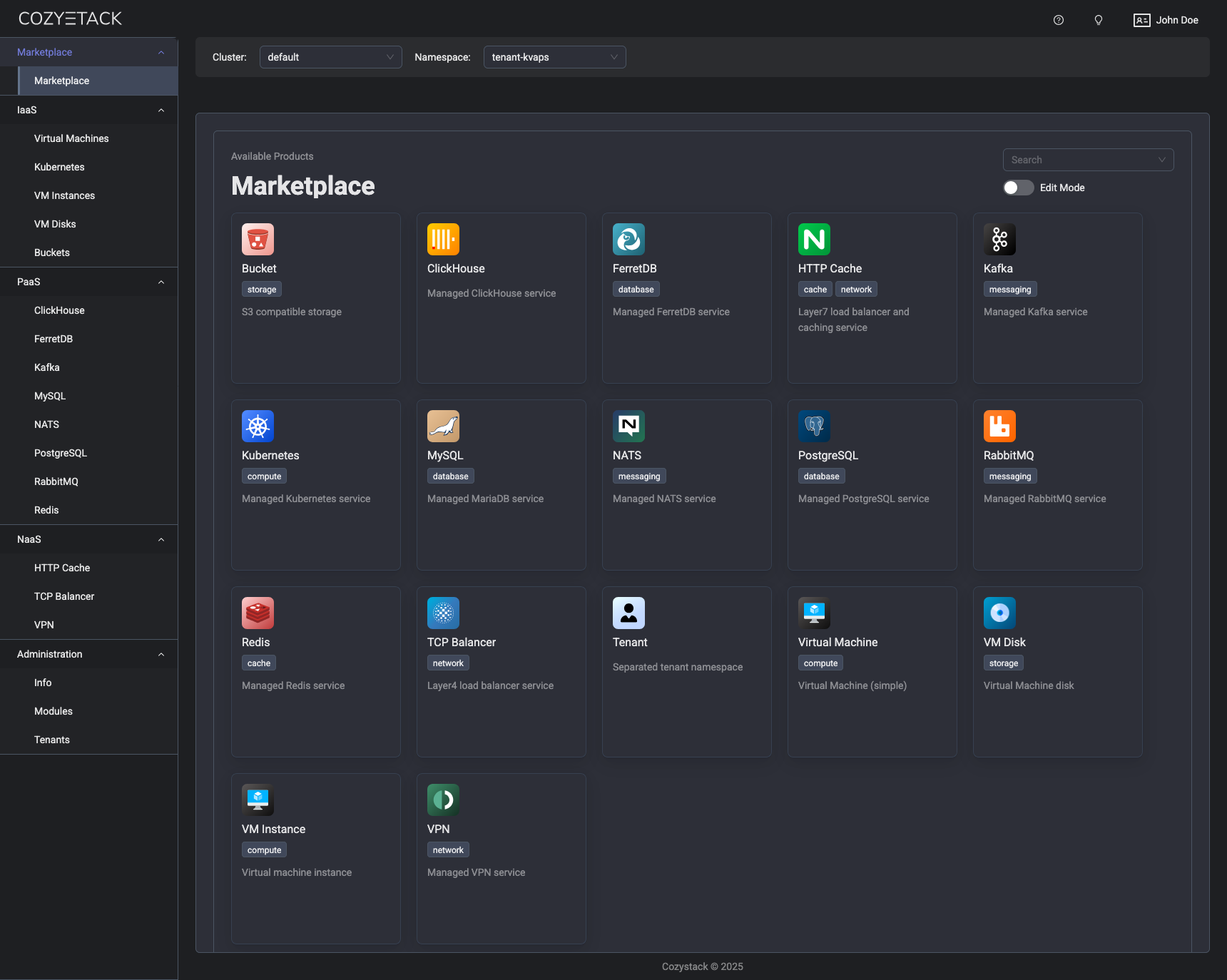
With Cozystack, you can transform a bunch of servers into an intelligent system with a simple REST API for spawning Kubernetes clusters, Database-as-a-Service, virtual machines, load balancers, HTTP caching services, and other services with ease.
Use Cozystack to build your own cloud or provide a cost-effective development environment.
Use-Cases
-
Using Cozystack to build a public cloud
You can use Cozystack as a backend for a public cloud -
Using Cozystack to build a private cloud
You can use Cozystack as a platform to build a private cloud powered by Infrastructure-as-Code approach -
Using Cozystack as a Kubernetes distribution
You can use Cozystack as a Kubernetes distribution for Bare Metal
Documentation
The documentation is located on the cozystack.io website.
Read the Getting Started section for a quick start.
If you encounter any difficulties, start with the troubleshooting guide and work your way through the process that we've outlined.
Versioning
Versioning adheres to the Semantic Versioning principles.
A full list of the available releases is available in the GitHub repository's Release section.
Contributions
Contributions are highly appreciated and very welcomed!
In case of bugs, please check if the issue has already been opened by checking the GitHub Issues section. If it isn't, you can open a new one. A detailed report will help us replicate it, assess it, and work on a fix.
You can express your intention to on the fix on your own. Commits are used to generate the changelog, and their author will be referenced in it.
If you have a concrete feature request, open an issue. For a cross-cutting or architectural change, open a design proposal in the community repo. For questions or early ideas, use GitHub Discussions. See CONTRIBUTING.md for the full routing.
Community
You are welcome to join our Telegram group and come to our weekly community meetings. Add them to your Google Calendar or iCal for convenience.
License
Cozystack is licensed under Apache 2.0.
The code is provided as-is with no warranties.
Commercial Support
A list of companies providing commercial support for this project can be found on official site.