 Aleksei Sviridkin
eedd08f6fc
The dashboard Role handed the tenant the release's leaf Secret whenever
tls.authClients was yes, on the reasoning that a client needing to
authenticate can reuse the server identity as its own. That Secret holds
tls.key, so any subject at the tenant's use level could read the private
key of the certificate Redis and Sentinel present and impersonate those
endpoints to every client that trusts the release CA.

Withhold it. The tenant keeps read access to the CA-only Secret, which is
what verifying the server actually requires and which carries no private
key at all.

This leaves authClients=optional and =yes without a client certificate a
tenant can obtain, since the CA private key needed to sign one is also
withheld by design. Document that limitation in README.md rather than
paper over it: in-cluster components are unaffected because the operator
mounts the leaf for them, but an external client has no supported path to
a certificate this CA accepts, so those two values are only usable when
the certificate is supplied out of band.

Also correct the neighbouring comment, which described the per-release CA
as trusted by the whole cluster. It is self-signed and scoped to one
release, and nothing outside that release trusts it.

Add the test target the package was missing. The TLS suite added with
this feature sat in tests/ with no way to invoke it, so CI had never run
any of it; the assertions covering this Role were passing only in
principle. All 24 now run, including the two that pin the leaf Secret as
withheld at both authClients values.

The authClients sentence also says to quote the value: an unquoted yes or
no in a manifest is read as a boolean and the string field rejects it.

Assisted-By: Claude <noreply@anthropic.com>
Signed-off-by: Aleksei Sviridkin <f@lex.la>


Cozystack
Cozystack is a free platform and framework for building clouds.
Cozystack is a CNCF Sandbox Level Project that was originally built and sponsored by Ænix.
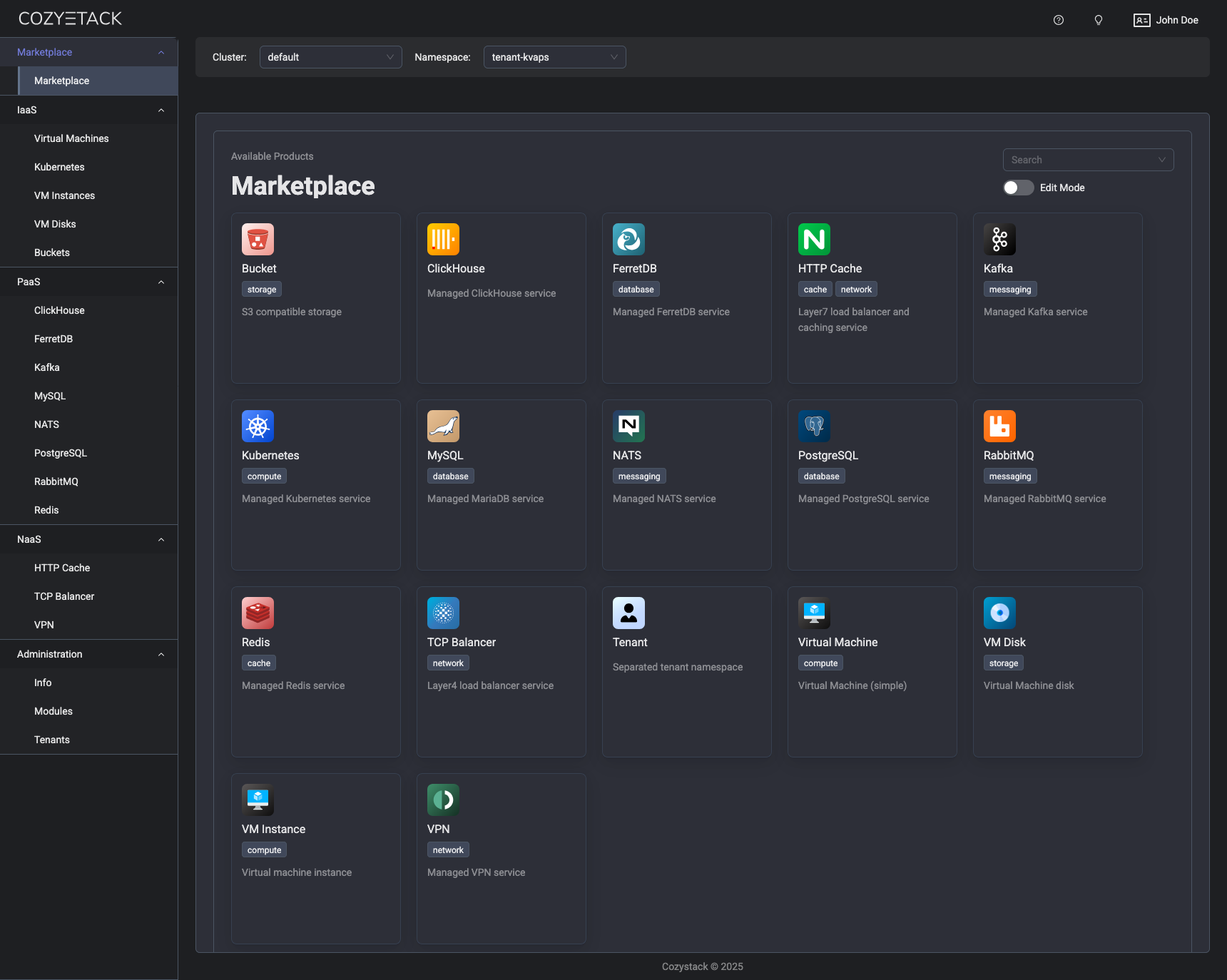
With Cozystack, you can transform a bunch of servers into an intelligent system with a simple REST API for spawning Kubernetes clusters, Database-as-a-Service, virtual machines, load balancers, HTTP caching services, and other services with ease.
Use Cozystack to build your own cloud or provide a cost-effective development environment.
Use-Cases
-
Using Cozystack to build a public cloud
You can use Cozystack as a backend for a public cloud -
Using Cozystack to build a private cloud
You can use Cozystack as a platform to build a private cloud powered by Infrastructure-as-Code approach -
Using Cozystack as a Kubernetes distribution
You can use Cozystack as a Kubernetes distribution for Bare Metal
Documentation
The documentation is located on the cozystack.io website.
Read the Getting Started section for a quick start.
If you encounter any difficulties, start with the troubleshooting guide and work your way through the process that we've outlined.
Versioning
Versioning adheres to the Semantic Versioning principles.
A full list of the available releases is available in the GitHub repository's Release section.
Contributions
Contributions are highly appreciated and very welcomed!
In case of bugs, please check if the issue has already been opened by checking the GitHub Issues section. If it isn't, you can open a new one. A detailed report will help us replicate it, assess it, and work on a fix.
You can express your intention to on the fix on your own. Commits are used to generate the changelog, and their author will be referenced in it.
If you have a concrete feature request, open an issue. For a cross-cutting or architectural change, open a design proposal in the community repo. For questions or early ideas, use GitHub Discussions. See CONTRIBUTING.md for the full routing.
Community
You are welcome to join our Telegram group and come to our weekly community meetings. Add them to your Google Calendar or iCal for convenience.
License
Cozystack is licensed under Apache 2.0.
The code is provided as-is with no warranties.
Commercial Support
A list of companies providing commercial support for this project can be found on official site.